Unboxing and What's in the Box
Open your Astrion Remote package and verify all contents. Learn what's included and how to identify each component.
Follow this step-by-step guide to set up your Astrion Remote HA100 from unboxing to controlling your smart home with Home Assistant.
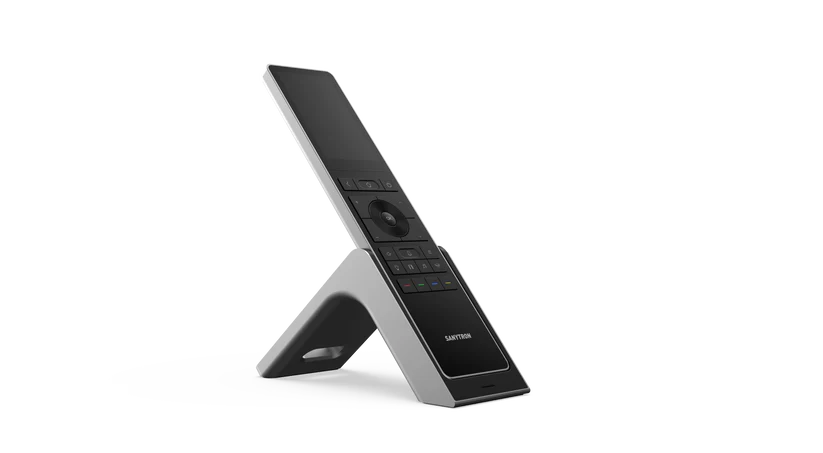
Open your Astrion Remote package and verify all contents. Learn what's included and how to identify each component.
Place your Astrion Remote on the magnetic charging dock. Learn about charging indicators, battery life, and best practices.
Press and hold the power button to turn on your Astrion Remote. Explore the Astrion Launcher and navigate the settings menu.
Follow the on-screen prompts to connect your Astrion Remote to your local Wi-Fi network. Supports 2.4GHz and 5GHz bands.
Generate a Long-Lived Access Token, create a QR code, and scan it with your Astrion Remote to connect to Home Assistant. Once paired, voice control is ready to use — no additional setup required.
A complete checklist to ensure your Astrion Remote is fully configured and ready to control your smart home devices.
Our support team and community are here to assist you.