Unboxing Your Astrion Remote
Open your Astrion Remote package and verify all contents. Learn what's included and how to identify each component before you begin the setup process.
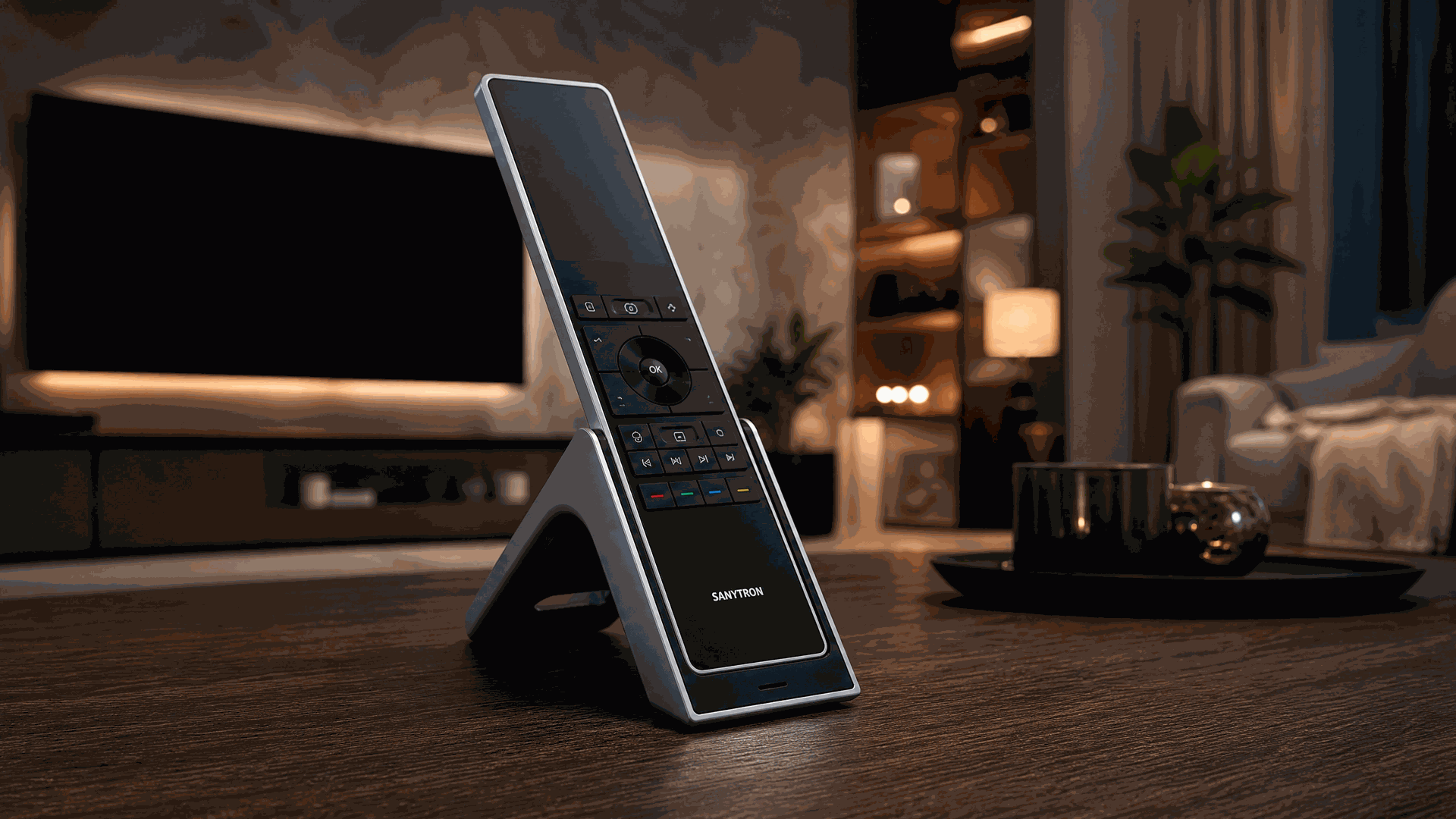
What's in the Box
Your Astrion Remote HA100 package includes everything you need to get started. Carefully unpack the box and verify that all items are present.
Astrion Remote
The HA100 smart control terminal
Magnetic Charging Dock
Weighted dock with magnetic alignment
USB Charging Cable
USB-C to USB-A charging cable
Power Adapter Kit
5V 2A USB power adapter
Four interchangeable plugs included
User Manual
Quick start guide and safety information
Certificate of Conformity
Regulatory compliance certification
Precision Screwdriver
For removing the bottom protective cover
Suction Cup
For safely lifting the bottom protective cover
Blue Triangle Pry Tool
For gently prying open the bottom cover
💡 Tip: Keep the original packaging in case you need to transport or return the device. The box is designed to protect the remote and accessories during shipping.
Unboxing Videos
Watch the unboxing experience in action — from opening the box to identifying every component inside.
📌 Note: The official unboxing video shows the complete package contents and first impressions. The KOL review provides additional hands-on perspective from a Home Assistant user.
Astrion Remote — First Look
Before you power on your Astrion Remote, take a moment to familiarize yourself with the hardware. The HA100 is an Android-based controller designed for smart home scenario management and deeply integrated with Home Assistant.
Key Features
- Magnetic charging dock — simply place the remote back after use to keep it always charged and ready
- 2000mAh rechargeable lithium battery ensures extended standby time
- 3.1-inch touchscreen with 480x800 pixel resolution
- Physical shortcut buttons for quick access to your most-used controls
- Aluminum alloy housing with high-gloss PC panel
Hardware Specifications
- Model: HA100
- Dimensions: 220mm (L) × 52.9mm (W) × 12.7mm (H)
- Operating System: Android
- Memory: 1GB RAM + 8GB ROM
- Wi-Fi: 2.4GHz (802.11 b/g/n)
- Bluetooth: BT 4.0 supported
- Battery: 2000mAh rechargeable lithium battery
- Operating temperature: 0°C to 45°C (non-condensing)
What's Next?
Now that you've unboxed your Astrion Remote and verified the contents, you're ready to move on to the next step: charging your device.
Related resources
Need help with your Astrion?
Our support team and community are here to assist you.