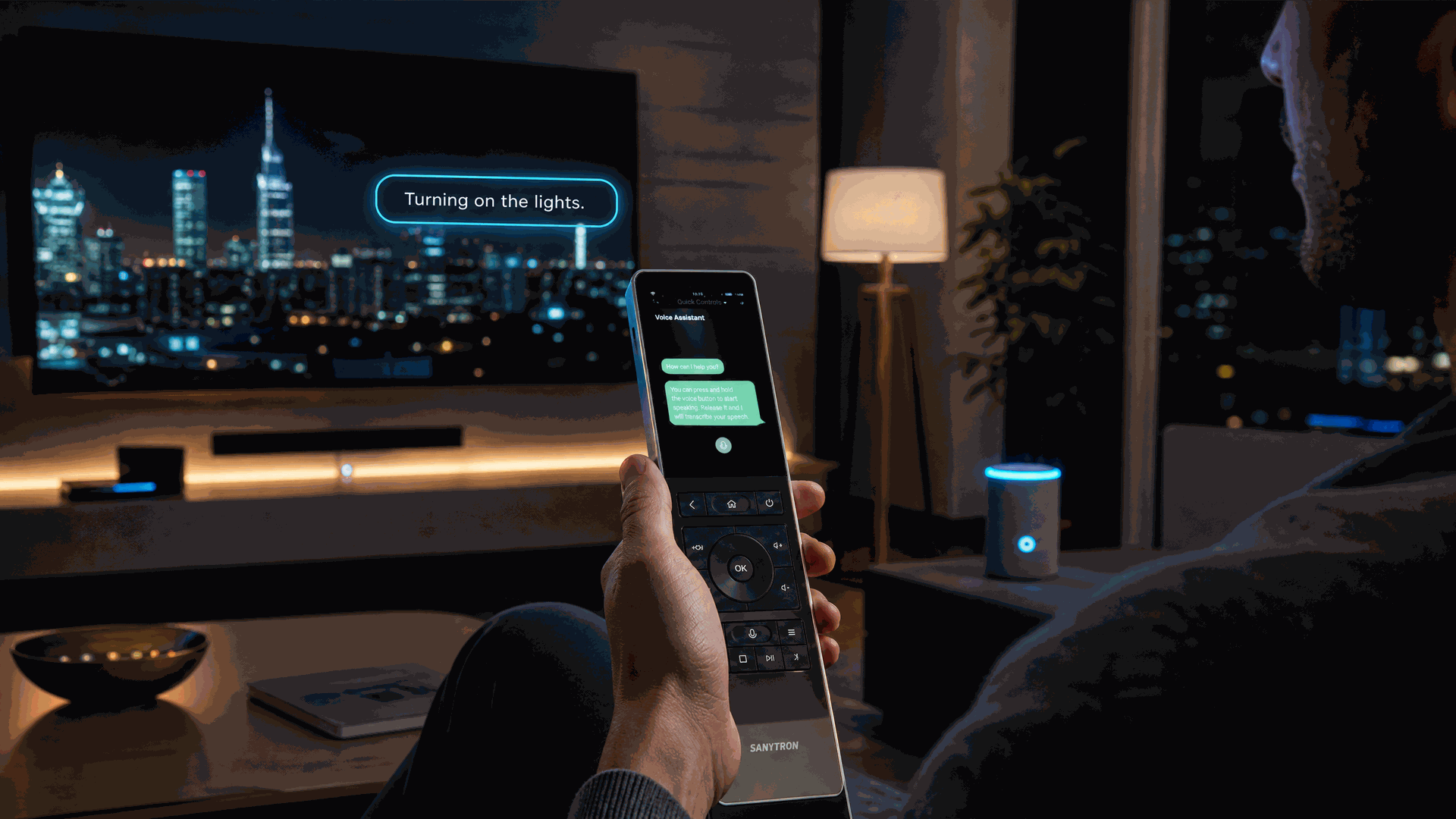
Why Astrion Voice Control is Different
Astrion does not replace Home Assistant Assist — it extends it.
Most smart home voice assistants create another ecosystem. Astrion takes a different approach. The remote does not add a new voice assistant, a new AI, or a new account. Instead, it becomes a natural voice endpoint for the Home Assistant Assist you already have.
- One Home Assistant brain
- Multiple voice endpoints
- Same AI conversation agent
- Same automations and scenes
- Same privacy-first architecture
Your configured AI agent, conversation settings, and speech pipeline are already there — simply press the Voice Button and talk.
How It Works
If Home Assistant Assist is already configured on your system, using voice on the Astrion Remote is as simple as:
Press the Voice Button
Located on the side of the Astrion Remote. Push-to-Talk mode.
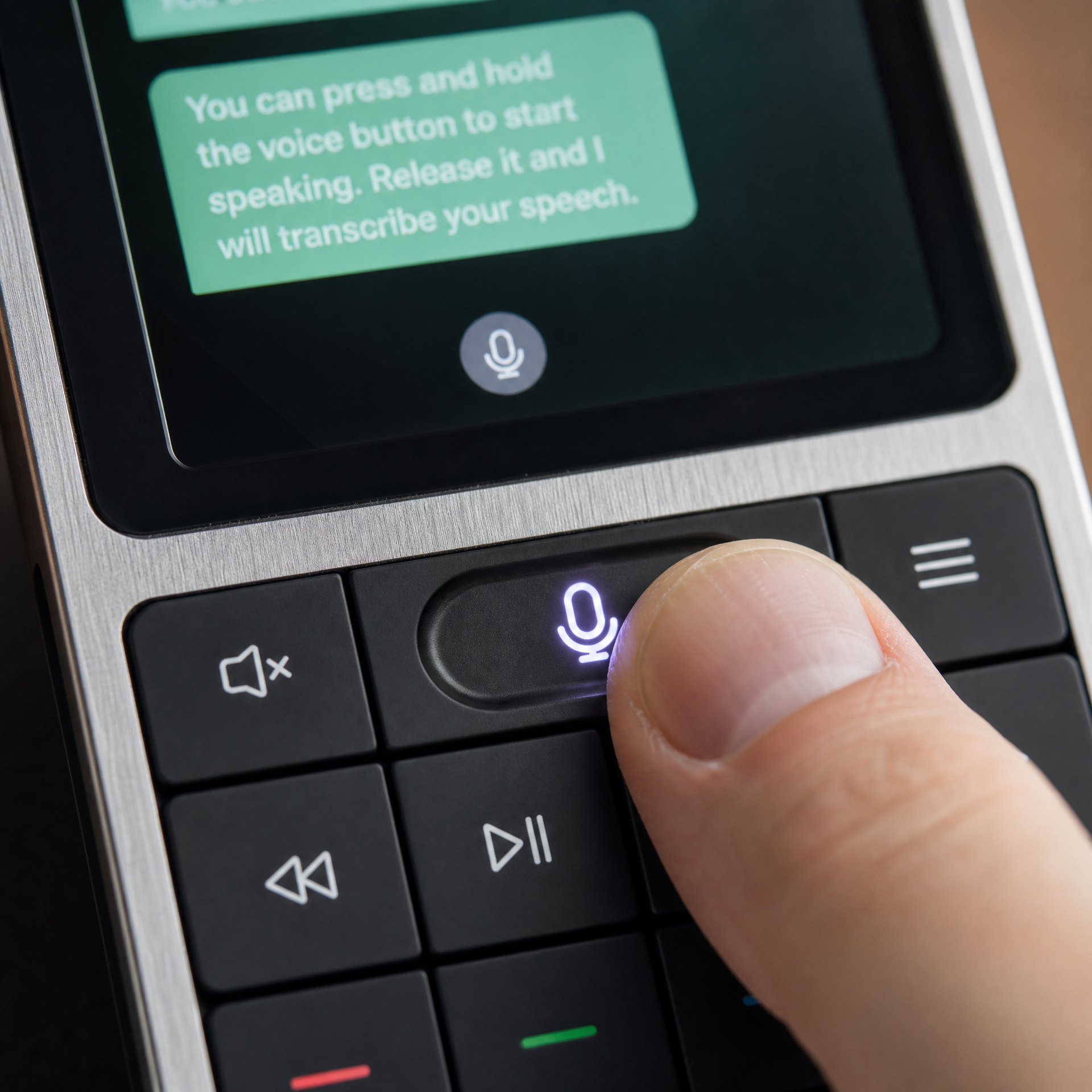
Speak your command naturally
No wake word required — just talk. Hold the button while speaking.
Release to send
Your speech is sent to Home Assistant Assist for processing.
Your speech is processed using your existing speech pipeline (such as Whisper, Home Assistant Cloud, or another configured provider). The spoken response is played back through the Astrion Remote's built-in speaker.
Because the remote uses the same Home Assistant Assist pipeline as your other Assist devices, it automatically shares:
- Your preferred voice assistant
- Your configured AI conversation agent
- Existing Home Assistant automations
- All supported Home Assistant entities and areas
There is no need to configure a separate voice assistant specifically for the Astrion Remote.
Real-World Feedback
Tried the voice assistant button on the remote. Zero extra setup and is directly hooked to my Home Assistant Voice Assistant, using the same voice and AI. Just hold the button and speak. The sound comes back through the remote's speaker.
Community Usage Report
In everyday use, community members have reported approximately 14 hours of battery life during normal mixed usage and standby. Home Assistant typically estimates around 1 day and 7 hours remaining during typical usage patterns.
Battery life varies based on usage patterns, Wi-Fi signal strength, screen brightness, and firmware version.
Simplified Setup
The setup process is intentionally minimal. Instead of configuring voice features on the remote, you only need:
Configure Home Assistant Assist
Set up your voice pipeline in Home Assistant — this is a one-time setup, and you may have already done it.
Pair the Astrion Remote with Home Assistant
Follow the standard pairing process in the Astrion Launcher. — see the Getting Started guide for details.
Press the Voice Button to start listening
That's it. No additional configuration on the remote is required.
Technical Features
Push-to-Talk
Press to start listening, release to send. Natural and intuitive.
Your Existing Pipeline
Uses your configured speech pipeline — Whisper, HA Cloud, or any other provider.
Built-in Speaker
Spoken responses play back through the Astrion Remote's built-in speaker.
Shared Configuration
Automatically inherits your voice assistant, AI agent, automations, and entities.
Troubleshooting
Voice Button doesn't respond
- Ensure your Astrion Remote is paired with Home Assistant
- Check that Home Assistant Assist is properly configured
- Verify that your Home Assistant server is accessible from the remote
- Try restarting the remote and checking again
No sound from the remote's speaker
- Check the volume level on the remote
- Verify that Home Assistant Assist is configured to return spoken responses
- Ensure the remote is not muted
Voice command not recognized
- Speak clearly and naturally
- Check that your speech pipeline (Whisper, etc.) is properly configured
- Verify that the entity or area you're referring to exists in Home Assistant
Visit the Community Forum for help from other Astrion users and the development team.