LineOS™
Shape your interface. Your rules.
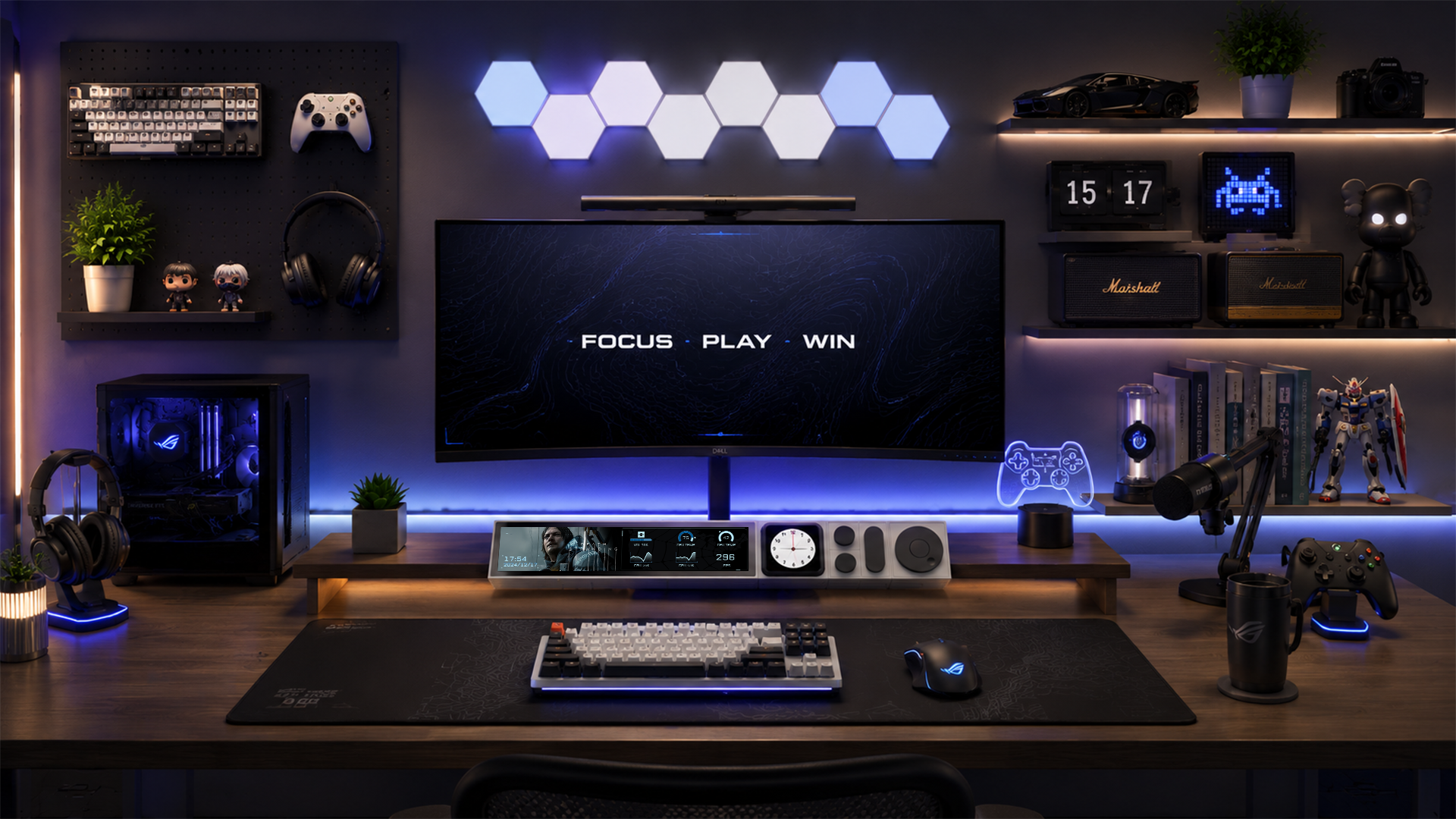
LineOS™ is where you configure cards, templates, layouts, and SceneShift™ AI. Your UltraBARX, your way.
Cards & Widgets
Build your home screen. Drag, drop, and arrange.
Time & World Clock
Digital or analog, multiple time zones, with customizable backgrounds.
Configure →Weather
Current conditions, 7-day forecast, and air quality index — all at a glance.
Configure →Countdown & Timer
Set countdowns up to 24 hours. Perfect for Pomodoro, meetings, or reminders.
Configure →Media Control
Spotify, Sonos, and local media. Play, pause, skip — all from your desk.
Configure →System Monitor
CPU, GPU, RAM, and network usage. Live graphs that show what's happening.
Configure →Hot Keys
Turn keyboard shortcuts into screen buttons. Open files, folders, or web pages instantly.
Configure →Templates
Start with something built. Apply, then customize.
Creator
Brush size, zoom, timeline controls — everything you need for creative work.
Apply Template →Developer
Terminal shortcuts, build commands, and debugging tools at your fingertips.
Apply Template →Smart Home
Lights, climate, scenes, and presence sensors — control your home from your desk.
Apply Template →Gamer
Game macros, Discord controls, OBS shortcuts, and system stats.
Apply Template →Layouts & Themes
Make it look like yours. Arrange widgets, choose colors, set wallpapers.
Layouts
Drag cards where you want them. One row or two, compact or spacious — your choice.
Customize →Themes
Dark, light, or custom colors. Make your UltraBARX feel like yours.
Customize →Wallpapers
Upload your own images or choose from built-in backgrounds for your home screen.
Customize →SceneShift™ AI
SceneShift™ AI detects what you're working on and automatically switches your UI, layouts, and macros. Switch from design to development to gaming — without lifting a finger.
Firmware
Keep your UltraBARX up to date. Latest version:
Shape your interface.
Your UltraBARX, your rules. Start configuring.