Home Support UltraBARX Workflows Gamer
🎮
Gamer Workflow
Play and stream — without breaking flow.
UltraBARX puts your gaming and streaming tools exactly where you need them.
Game macros, Discord controls, OBS shortcuts, and system stats — all at your fingertips.
Recommended Setup
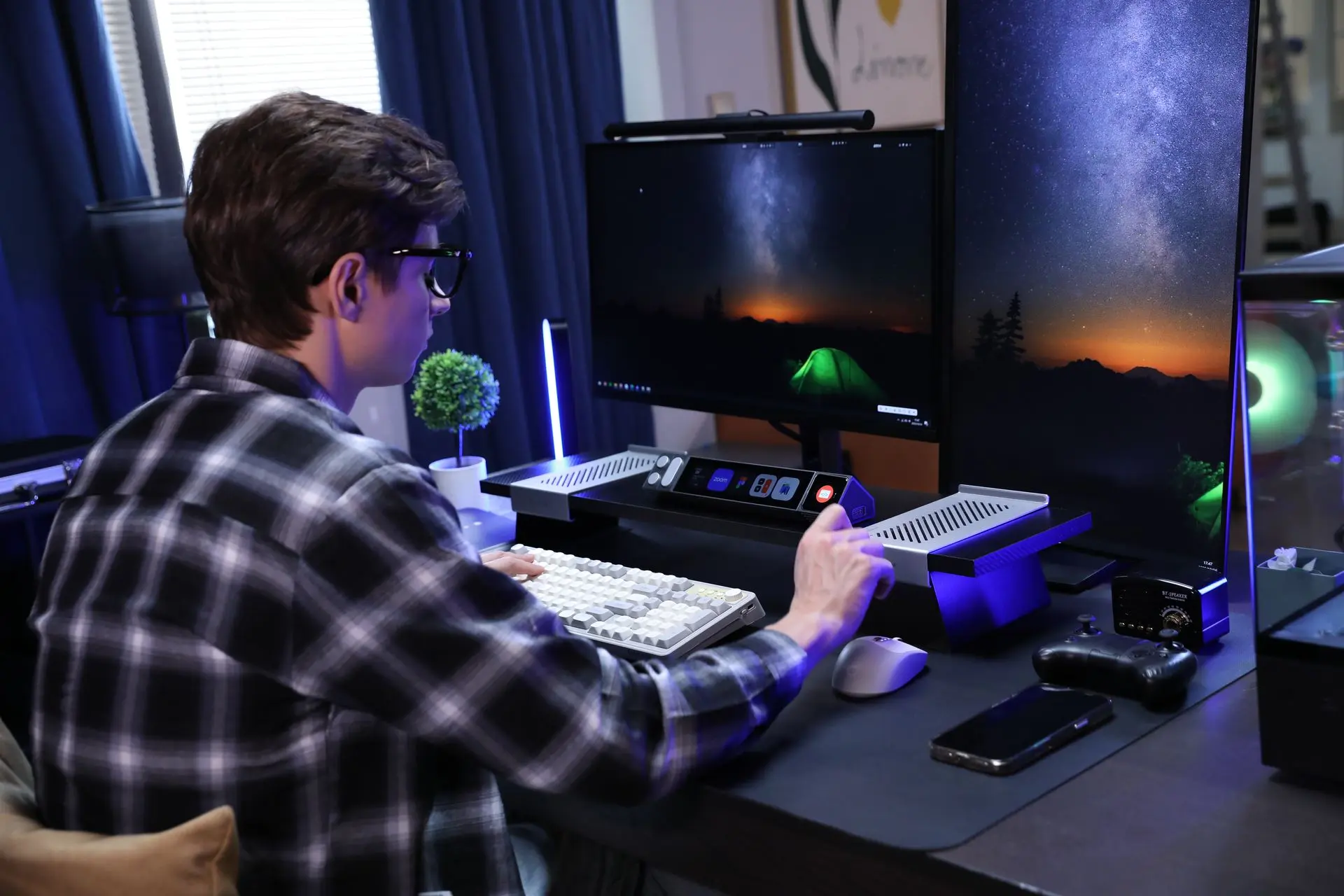
CoreBar + DotKey + KnobKey
Physical controls for actions that matter.
This setup gives you everything you need for gaming and streaming.
CoreBar runs your interface. DotKey puts macros and shortcuts one press away.
KnobKey gives you precise volume and audio mixing control.
🎮
Key Controls
How each module powers your gaming and streaming workflow.
⌨️
DotKey
Game Macros & Quick Actions
Three programmable keys for in-game actions, Discord controls,
OBS scene switching, and more. RGB backlighting matches your setup.
Game Macros
Discord Mute
Scene Switch
RGB Backlight
Learn More →
🎛️
KnobKey
Volume & Audio Mixing
Rotate to adjust game volume, system volume, or audio mix.
Press to mute or toggle between audio sources. Tactile feedback
for precise control.
Game Volume
Audio Mix
Mute Toggle
Source Switching
Learn More →
🖥️
VivoCube
System Stats & Stream Controls
Add a VivoCube for real-time system stats, FPS monitoring,
stream chat, or custom controls for your streaming setup.
System Stats
FPS Monitor
Stream Chat
Touch Display
Learn More →
Supported Games & Streaming Tools
UltraBARX works with the games and tools you already use.
Steam
Epic Games
Xbox
NVIDIA
OBS Studio
Discord
Twitch
YouTube Gaming
Elgato
VoiceMeeter
Valorant
Fortnite
+ more
Ready to play?
Apply the Gamer template in LineOS™, then customize it
to fit your exact gaming and streaming setup.