Home Support UltraBARX Workflows Creator
🎨
Creator Workflow
Design, edit, and create — without breaking flow.
UltraBARX puts your tools exactly where you need them.
Precision controls for brush size, zoom, timeline scrubbing,
and tool switching — all at your fingertips.
Recommended Setup
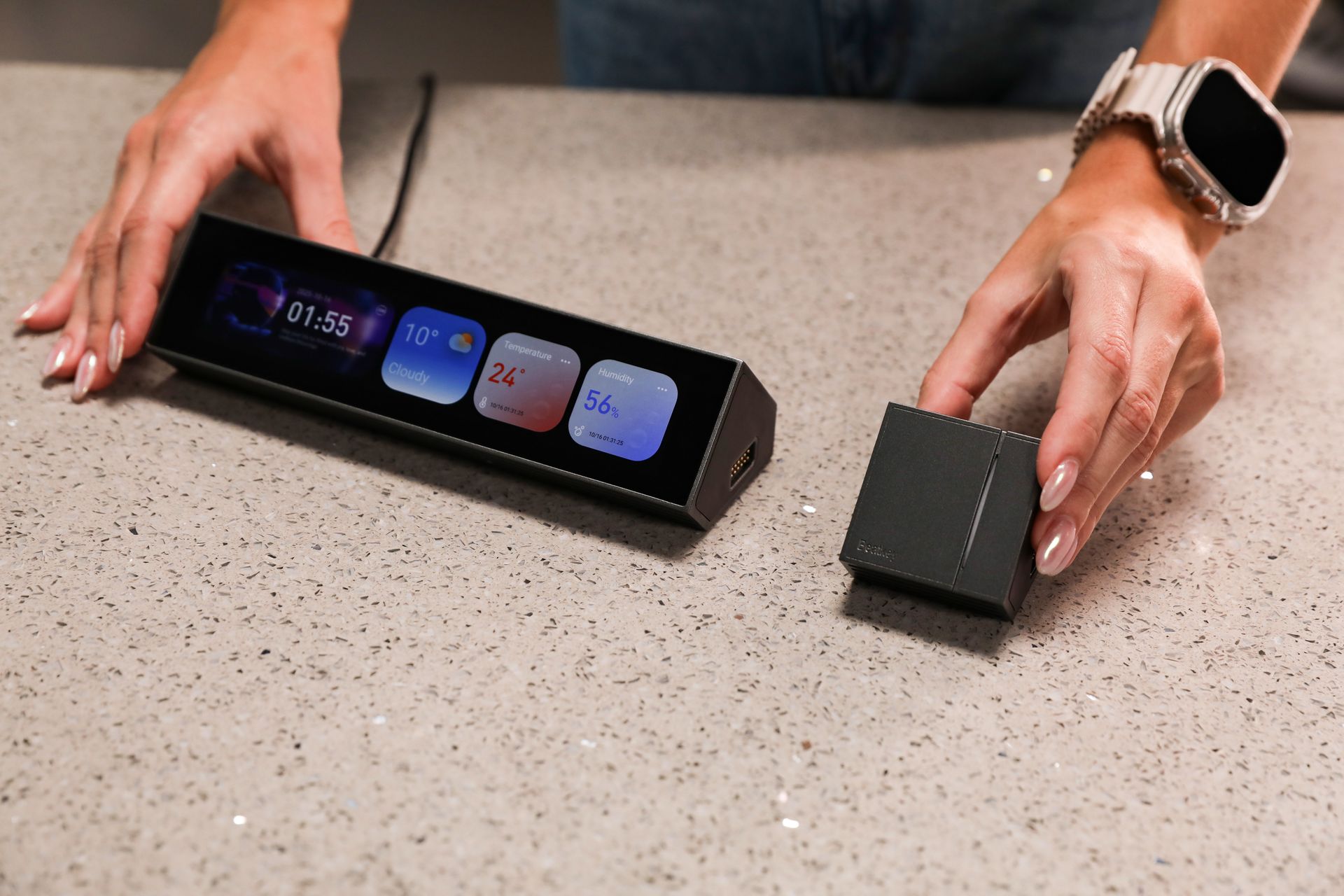
CoreBar + KnobKey + DotKey
Precision controls for creative tools.
This setup gives you everything you need for design and editing.
CoreBar runs your interface. KnobKey gives you precise rotary control.
DotKey puts your most-used tools one press away.
🎨
Key Controls
How each module powers your creative workflow.
🎛️
KnobKey
Brush Size & Zoom
Rotate to adjust brush size, zoom level, or timeline position.
Press to reset or toggle between modes. Tactile feedback
for precise control.
Brush Size
Zoom
Timeline Scrubbing
Press to Reset
Learn More →
⌨️
DotKey
Tool Switching
Three programmable keys for your most-used tools.
Switch between brush, eraser, selection, and more —
without taking your eyes off the canvas.
Tool Switching
Macros
Shortcuts
RGB Backlight
Learn More →
🖥️
VivoCube
Color Palette & Shortcuts
Add a VivoCube for quick color selection, layer switching,
or custom shortcut panels. A dedicated display for
your creative tools.
Color Palette
Layers
Custom Shortcuts
Touch Display
Learn More →
Supported Creative Apps
UltraBARX works with the tools you already use.
Photoshop
Premiere Pro
Figma
Lightroom
After Effects
Illustrator
DaVinci Resolve
Final Cut Pro
Blender
Procreate
+ more
Ready to start creating?
Apply the Creator template in LineOS™, then customize it
to fit your exact workflow.