One Interface. Many Workflows.
Find your perfect UltraBARX setup.
Every workflow is a starting point. Start with a template, then make it yours — your interface, your rules.
Creator
Design · EditPrecision controls for creative tools. Brush size, zoom, timeline scrubbing, and tool switching — all at your fingertips.
View Setup →Developer
Code · BuildKeep commands, terminals, and workflows at your fingertips. Build, test, deploy — without leaving your editor.
View Setup →Gamer
Play · StreamPhysical controls for actions that matter. Game macros, Discord controls, OBS shortcuts, and system stats.
View Setup →Smart Home
Automate · ControlSee, sense, and control your home from one surface. Lights, climate, scenes, and presence sensors — all integrated.
View Setup →AI Builder
Build · TrainAgents, models, tools, and automations. Control your AI workflows with physical shortcuts and real-time monitoring.
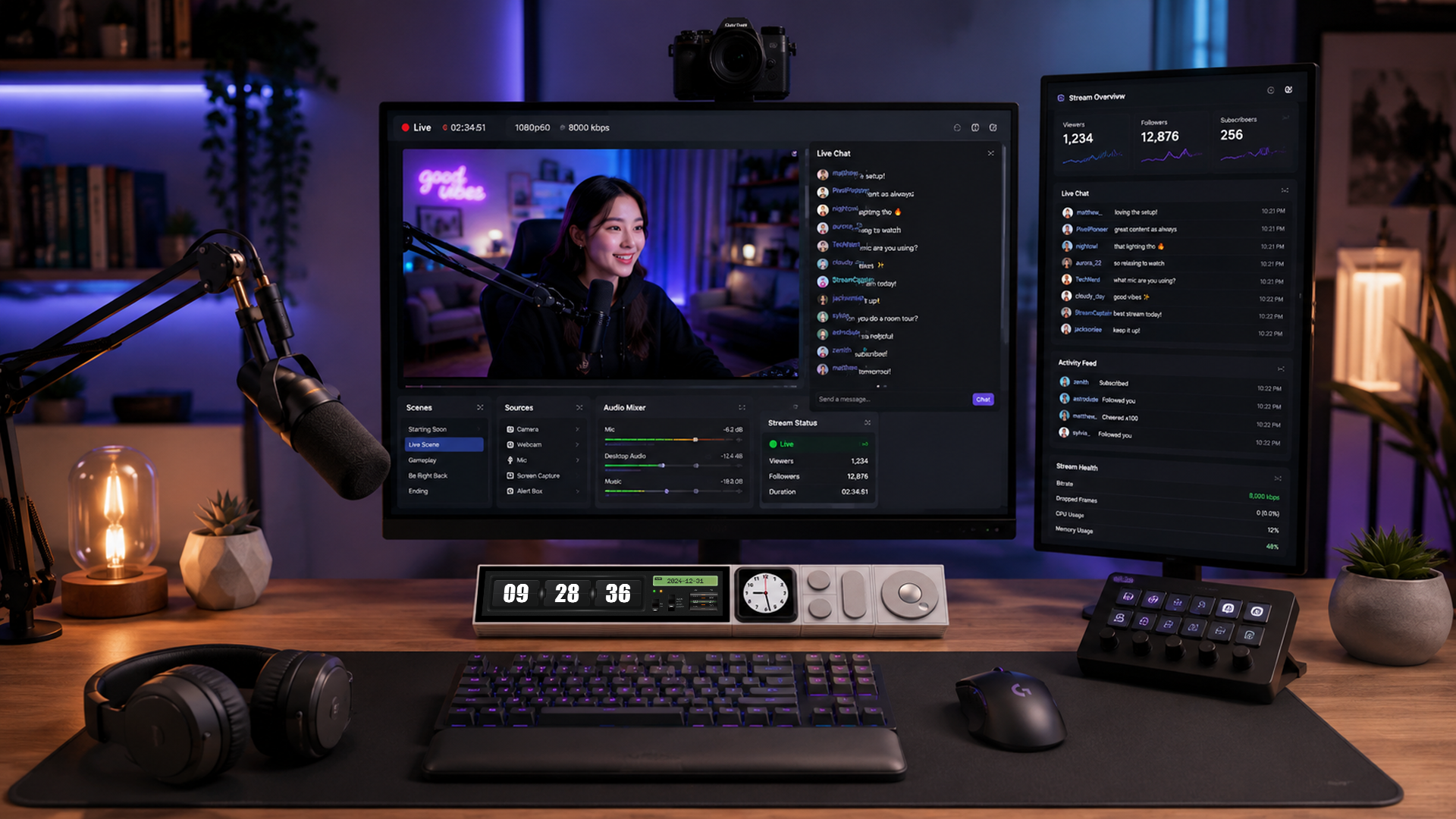
View Setup →Streamer
Go LiveOBS controls, audio mixing, chat management, and scene switching — all from your UltraBARX.
View Setup →Your setup can change.
Your workflow changes. Your interface can change with it.