Astrion Pro
A Stronger Platform. A More Capable Interface.
Familiar form. Upgraded hardware. Designed for everyday home control.
Your smartphone is personal. Astrion belongs to the home.
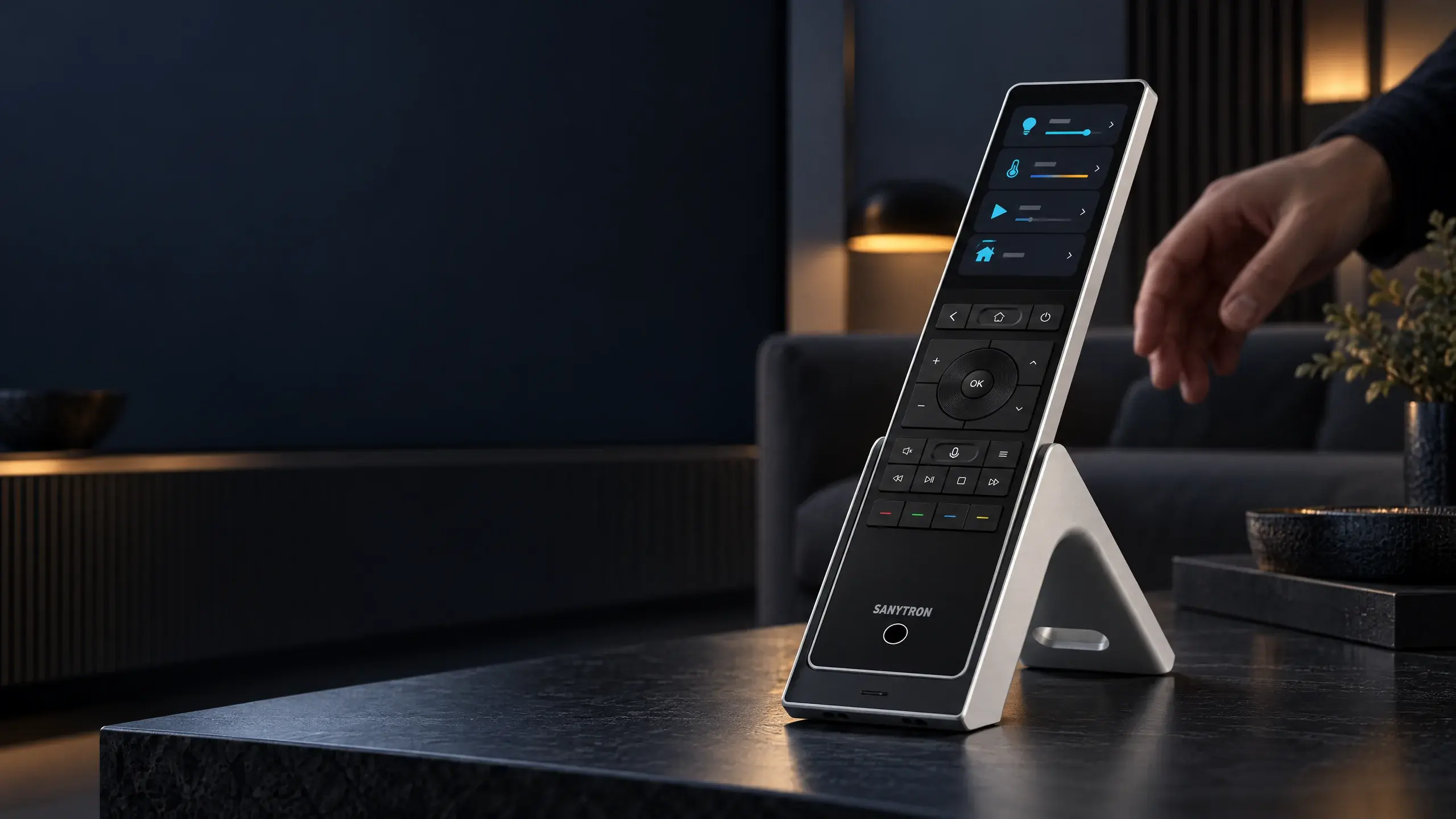
Your smart home shouldn't require you to find your phone, unlock it, open an app, and navigate through screens every time you want to adjust something. Astrion Pro brings everyday home controls into a dedicated handheld interface — a touchscreen combined with tactile physical buttons, built for Home Assistant users and modern connected homes.
[ 01 ] WHY A DEDICATED INTERFACE
A Dedicated Interface for Your Home
Your smartphone can do almost everything. But that doesn't necessarily make it the best interface for controlling your home. A dedicated remote stays where you need it, gives frequently used controls a physical presence, and lets you interact with your environment without turning every action into a phone task.
Astrion Pro is built around this idea — combining two ways of interacting so the interface adapts to the moment, not the other way around.
Touchscreen
Visual controls when you need more information or flexibility.
Physical buttons
Direct tactile access to frequently used actions.
[ 02 ] TOUCH + TACTILE
Touch When You Need It. Feel When You Don't.
A touchscreen for visual control
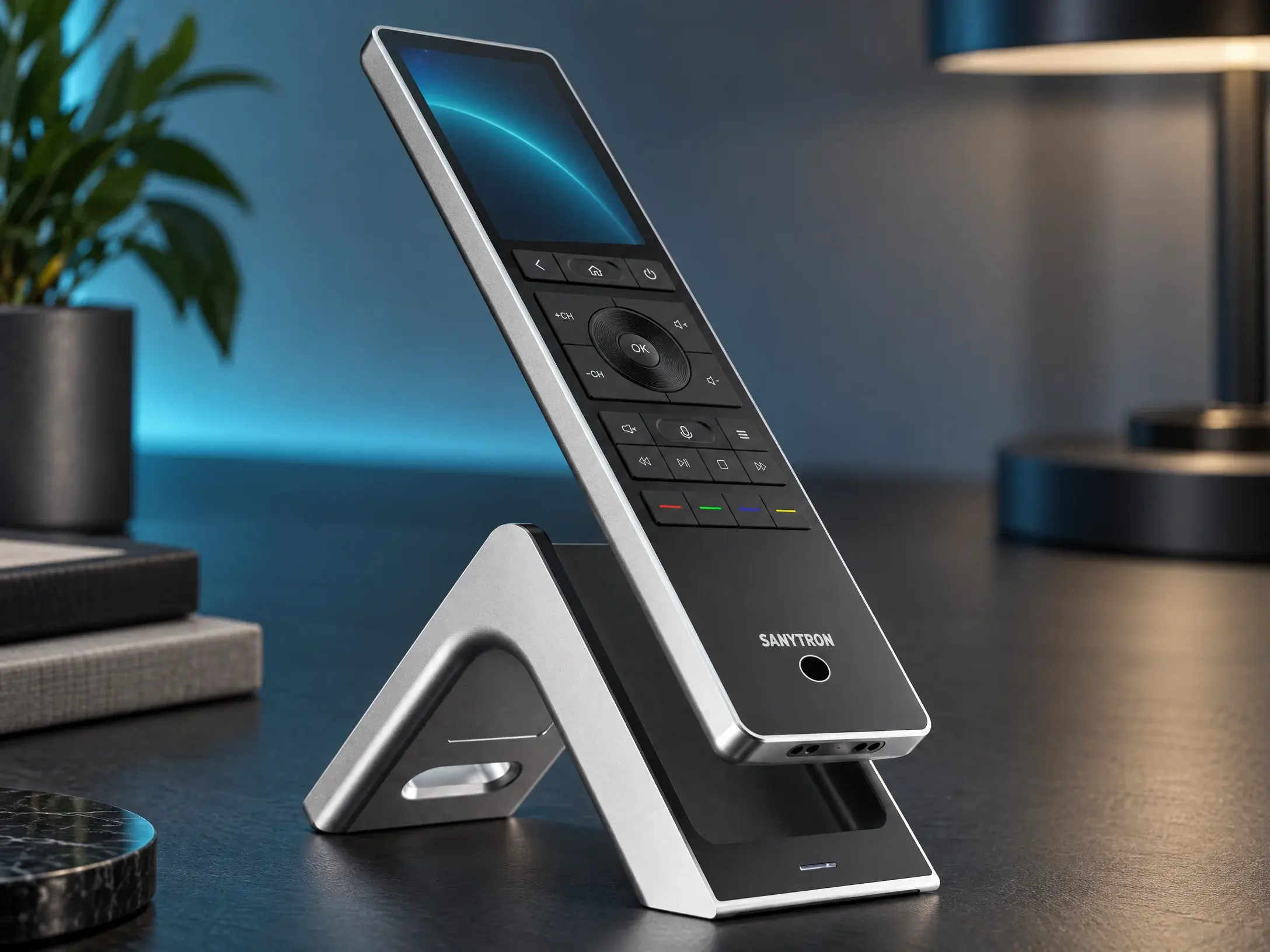
The 3.1-inch touchscreen provides a compact visual interface for your smart home. Use it to access configured controls, navigate between interfaces, and interact with the devices and functions that matter in your daily routines.
Physical buttons for everyday actions
Touchscreens are flexible, but physical buttons still have an important advantage: you can feel them. Astrion Pro combines its touchscreen with dedicated tactile buttons, giving frequently used interactions a more natural physical form.
A good physical interface should make common actions easier, not add another layer of complexity.
[ 03 ] HOME ASSISTANT
Built for Home Assistant
Astrion Pro works with RosCard, SANYTRON's integration layer for connecting the remote interface with Home Assistant. Through RosCard, you configure the Home Assistant connection and select the entities and controls you want to access from Astrion — rather than trying to reproduce an entire Home Assistant dashboard on a small screen.
Home Assistant provides the intelligence and automation. Astrion provides a more direct way to interact with it.
Arrows represent interaction and data flow between components — not a claim that RosCard is Home Assistant's automation engine.
- 01 Connect Connect Astrion Pro to your Home Assistant environment.
- 02 Authenticate Configure the connection and authentication in RosCard.
- 03 Select entities Choose the entities and controls you want to use.
- 04 Use Access those controls through the touchscreen and physical buttons.
Home Assistant integration requires a configured Home Assistant environment and RosCard setup. Astrion does not automatically discover every device or reproduce the complete Home Assistant dashboard.
[ 04 ] CONNECTIVITY
More Than One Way to Connect
A modern home contains many different devices, and not everything communicates through the same protocol. Astrion Pro brings several control capabilities together in one handheld device.
Infrared control
Control compatible infrared equipment such as TVs and other IR-enabled devices. With Astrion Home, supported infrared signals can also be learned locally, giving you more flexibility with equipment that isn't covered by an existing code set.
Bluetooth HID & BLE
Astrion Pro supports Bluetooth HID input for compatible hosts, allowing it to function as a Bluetooth input device. It also supports BLE scanning and connections to compatible Bluetooth Low Energy peripherals. Compatibility depends on the device and its supported profile or service.
Home Assistant
Through RosCard, Astrion Pro provides access to the Home Assistant entities and controls configured for your environment. It brings selected smart home controls together with infrared and Bluetooth capabilities in one dedicated interface.
[ 05 ] EVERYDAY USE
Designed for Everyday Use
Ready when you need it
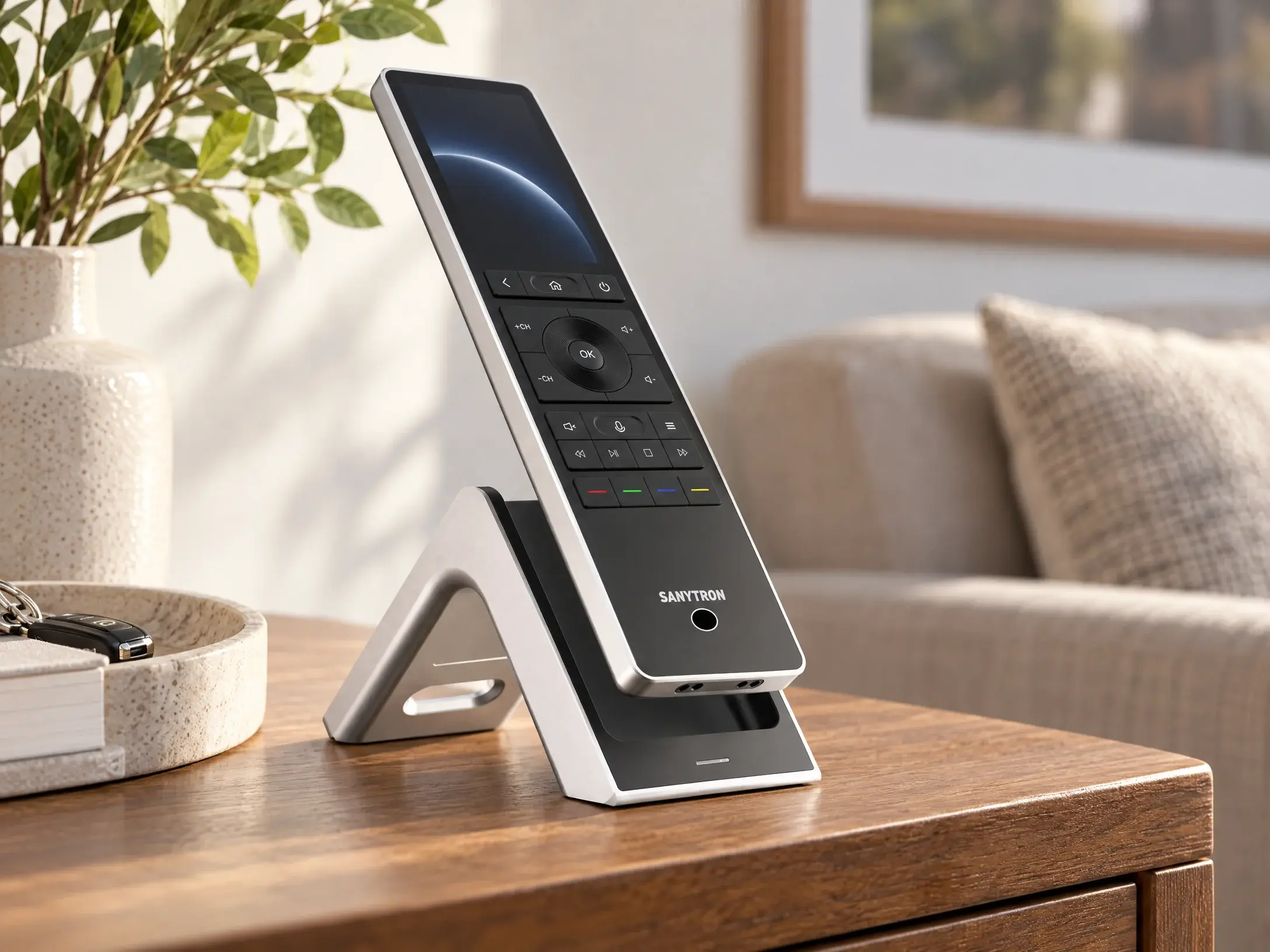
Astrion Pro is designed to be a dedicated home device, not another accessory that disappears into a drawer. Its magnetic charging dock gives it a natural place to rest when not in use, while keeping it accessible for the next interaction.
A familiar form, purposeful controls
The compact handheld design combines a touchscreen, tactile buttons, and dedicated control elements in a single device. The goal isn't to put every possible function onto one remote — it's to make the controls you use regularly easier to reach.
[ 06 ] SPECIFICATIONS
Astrion Pro at a Glance
| Specification | Details |
|---|---|
| Operating System | Android 12 |
| Processor | MediaTek MTK6762 Octa-Core Cortex-A53 |
| Memory | 3GB RAM |
| Storage | 16GB |
| Display | 3.1-inch, 480 × 800 |
| Wi-Fi | 2.4GHz / 5GHz |
| Bluetooth | Bluetooth HID and BLE |
| Infrared | IR transmission and supported local IR learning |
| Battery | 2000mAh |
| Charging | Magnetic charging dock |
| Dimensions | 220 × 52.9 × 12.7mm |
| Weight | 180g |
Same form factor, screen, battery and dock. Compare hardware, connectivity, and supported features across the Astrion Series.
Explore the HA100 vs Astrion Pro comparison[ 07 ] BEFORE YOU ORDER
Before You Order
Astrion Pro is designed for users who want a dedicated physical interface for their connected home. A few things are worth knowing before purchasing:
- Home Assistant integration requires an existing, configured Home Assistant environment.
- RosCard needs to be configured with the appropriate connection and authentication information.
- Home Assistant devices and entities must be selected and configured for the controls you want to use.
- Bluetooth functionality depends on the compatibility of the connected host or BLE peripheral.
- Infrared learning supports compatible signals; it should not be assumed to work with every IR protocol or device.
Unsure whether your setup is compatible? Visit our Support Center or contact the SANYTRON team before ordering.
[ 08 ] FAQ
Frequently Asked Questions
Is Astrion Pro a replacement for a Home Assistant dashboard?
Does Astrion Pro automatically discover all my Home Assistant devices?
Can Astrion Pro control TVs and other infrared devices?
Can I use Astrion Pro as a Bluetooth remote?
Does Astrion Pro include a charging dock?
Is Astrion Pro suitable for someone who doesn't use Home Assistant?
[ 09 ] GET ASTRION PRO
Make Your Home Easier to Control
Your home already has its own intelligence. Give it an interface that feels natural to use. Astrion Pro brings touch, tactile buttons, and multiple control capabilities together in one dedicated handheld device.
Your smartphone is personal. Astrion belongs to the home.