Home Support UltraBARX Workflows Developer
💻
Developer Workflow
Code, build, and deploy — without breaking flow.
UltraBARX puts your development tools exactly where you need them.
Terminal shortcuts, build commands, and version control — all at your fingertips.
Recommended Setup
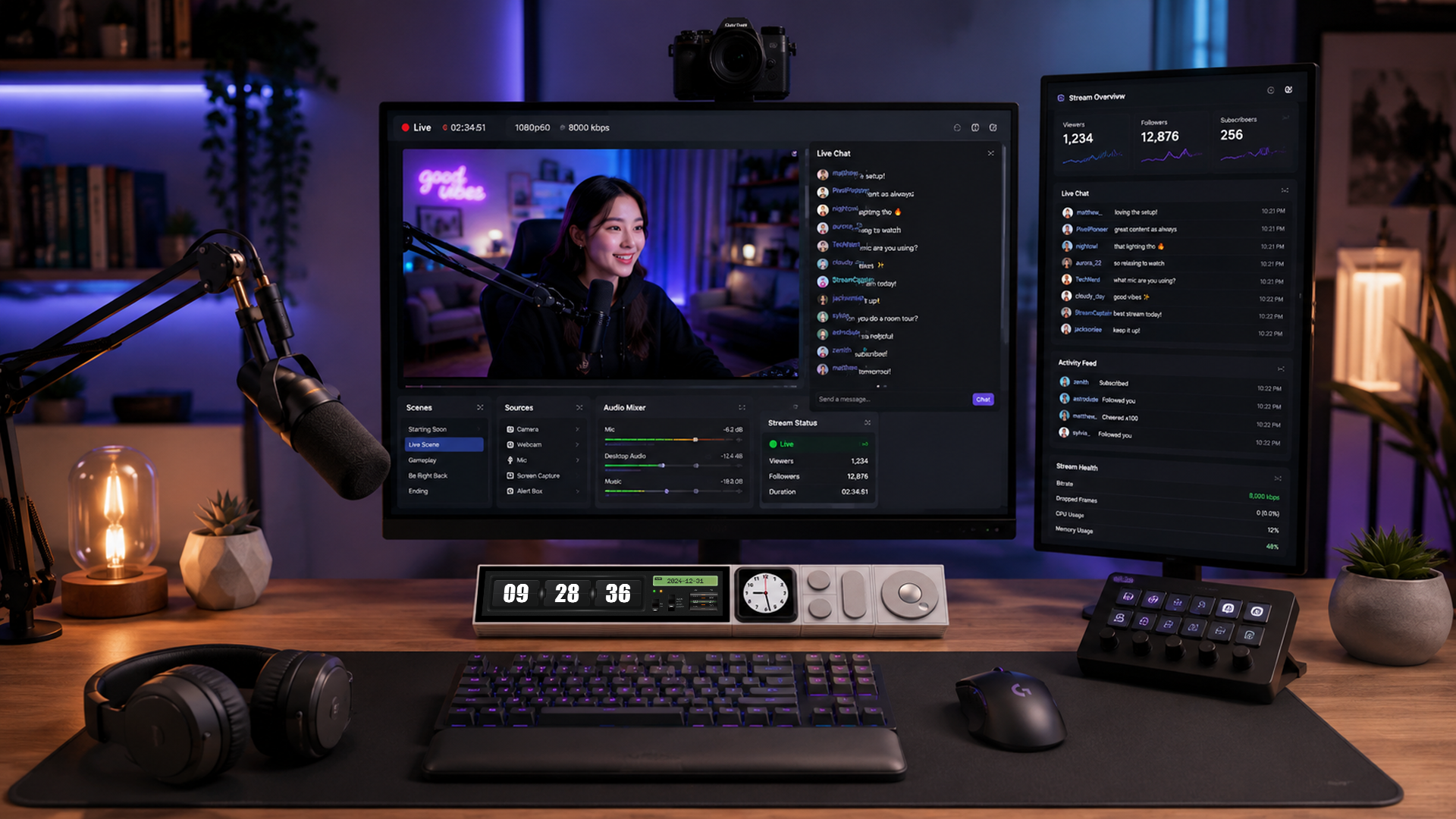
CoreBar + DotKey ×2
Keep commands, terminals, and workflows at your fingertips.
This setup gives you everything you need for development.
CoreBar runs your interface. Two DotKey modules give you
six programmable keys for build commands, terminal actions,
and version control shortcuts.
💻
Key Controls
How each module powers your development workflow.
⌨️
DotKey (x2)
Six Programmable Keys
Each DotKey gives you three mechanical keys. Two modules
give you six dedicated shortcuts for build, test, deploy,
and version control commands.
Build
Test
Deploy
Git Commands
Learn More →
🎛️
KnobKey
Scrolling & Navigation
Add a KnobKey for terminal scrolling, debugging navigation,
or adjusting numeric values. Tactile feedback for precise control.
Terminal Scroll
Debug Navigation
Numeric Adjust
Learn More →
🖥️
VivoCube
System Monitoring & Shortcuts
Add a VivoCube for real-time system stats, resource monitoring,
or a custom dashboard for your development environment.
System Stats
Resource Monitor
Custom Dashboard
Touch Display
Learn More →
Supported Development Tools
UltraBARX works with the tools you already use.
VS Code
IntelliJ IDEA
Terminal
Docker
Git
GitHub
Vim
Neovim
Jupyter
Postman
Kubernetes
+ more
Ready to start coding?
Apply the Developer template in LineOS™, then customize it
to fit your exact development workflow.