UltraBARX VivoCube – 2" AMOLED Smart Display Module | Sanytron UltraBARX VivoCube – 2" AMOLED Smart Display Module | Sanytron
Skip to Content
VivoCube Smart Display Wireless

VivoCube

A mini CoreBar in your hands.

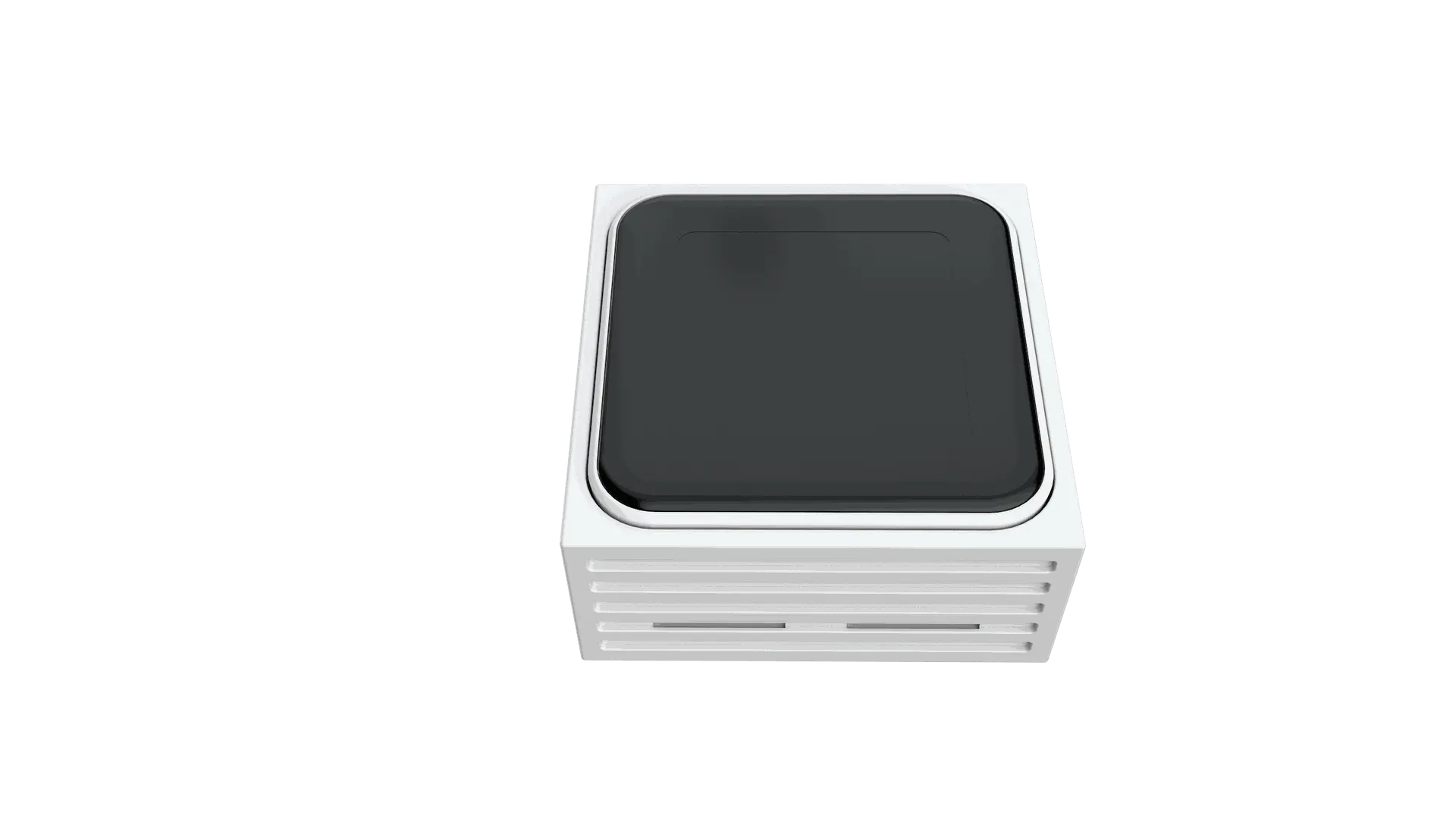
VivoCube is a standalone 2-inch AMOLED touchscreen module that brings the power of UltraBARX anywhere on your desk. Use it as a wireless secondary display, a miniature controller, or a sub-hub that cascades other QuantumLink™ modules. Place it wherever your workflow demands.
Key Features

What makes VivoCube the most flexible module in the UltraBARX ecosystem.

🖥️

2.0" AMOLED Touch Display

Vivid, responsive, always on

A high-resolution AMOLED screen with completely dynamic programmable display content — text, icons, weather, audio spectrum analyzer, or custom widgets. Touch and gesture-enabled for intuitive control.

AMOLED Gesture Control Programmable
⌨️

Mechanical Micro-Switches

Tactile feedback for every press

Premium mechanical switches deliver a satisfying tactile feel with every click. Combine touchscreen input with physical buttons for a truly multidimensional control experience.

Mechanical Tactile Feedback Multi-dimensional
📶

Wireless & Standalone

Place it anywhere

Connects to CoreBar over Wi-Fi, allowing VivoCube to function as a secondary display or a standalone controller[reference:6]. Built-in independent power system means no cables — just pure flexibility.

Wi-Fi Independent Power Wireless
🔗

QuantumLink™ Sub-Hub

Cascade and expand

VivoCube can serve as a primary node to cascade other functional modules via QuantumLink™, building a decentralized control console. Supports daisy-chaining up to 3 units.

Daisy-Chain Up to 3 Units Decentralized

Split Mode

Extend your workspace

Supports "Split Mode," acting as a wireless extension station that can be placed anywhere on the desk. Create a distributed control console that perfectly matches your operational intuition.

Split Mode Extension Station Distributed
🎯

One-Touch Power

Launch anything instantly

A single tap on VivoCube can turn your PC monitor on or off, launch individual apps, or open multiple programs at once. Open Photoshop and Illustrator together with one touch, or fire up Zoom, Excel, and a web browser in a split-second.

App Launcher PC Control Multi-Launch

Key Specifications

VivoCube at a glance.

📐

Display

2.0" AMOLED

📶

Connectivity

Wi-Fi · Bluetooth

🔋

Power

Independent Power System

🧲

Interface

QuantumLink™

🔗

Daisy-Chain

Up to 3 Units

⚙️

Input

Touch + Mechanical Switches

Technical Specifications

VivoCube hardware details.

Product VivoCube — Smart Display Module
Display 2.0" AMOLED, touchscreen, gesture-enabled
Input Mechanical micro-switches + touch
Connectivity Wi-Fi, Bluetooth
Interface QuantumLink™ magnetic (power + data)
Power Independent power system
Daisy-Chain Supports up to 3 units
Mode Split Mode — wireless extension station
Compatibility CoreBAR, LineOS™, UltraWorkspace

Use Cases

How VivoCube transforms your workflow.

🎨

Creative Launchpad

Open Photoshop and Illustrator together with one touch, or launch your full creative suite instantly.

📊

Meeting Mode

Fire up Zoom, Excel, and a web browser in a split-second right before a meeting.

🖥️

PC Power Control

A single tap on VivoCube can instantly turn your PC monitor on or off.

🧩

Distributed Control

Place VivoCube anywhere on your desk as a wireless extension station, cascading other modules via QuantumLink™.

Put a mini CoreBar anywhere.

Add VivoCube to your UltraBARX and experience wireless, distributed control.