Astrion Remote V1.4.1
Release Date: July 23, 2026 · Software Version: V1.4.1 · Update Method: OTA (Online Update)
Compatibility
This release requires:
- RosCard V1.4.1 — (update via HACS)
- Astrion Home V1.4.1 — (update via HACS)
💡 Important: To enjoy all new features, please update RosCard and Astrion Home after upgrading your remote.
What's New
🌤️ Weather — New Weather Details Page
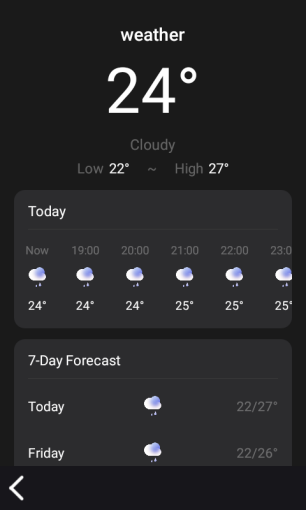
Weather cards now support a dedicated details page. After saving a ROS Weather Card to the remote, simply tap the weather card to view an extended forecast with upcoming weather information.
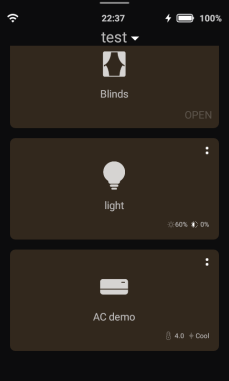
🪟 Curtains — Added Blind (Venetian Blind) Support
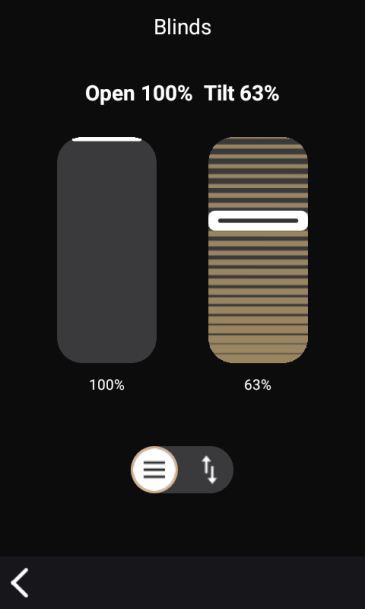
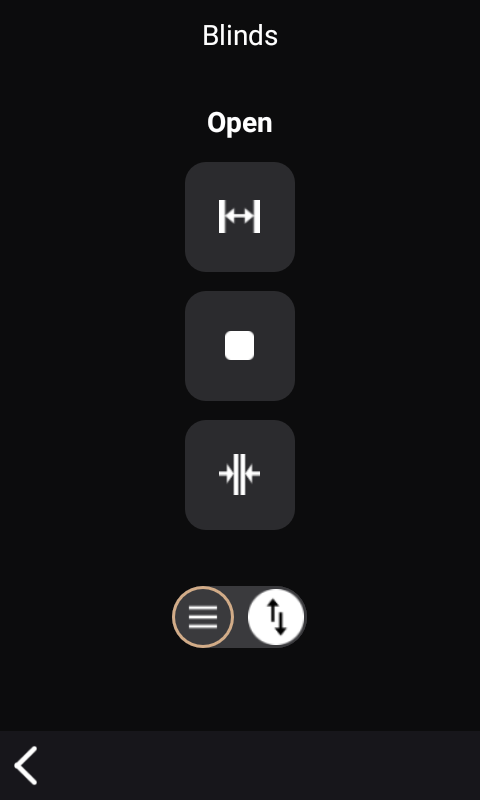
Astrion now supports blind-type covers. New controls include:
- + / − buttons adjust the opening position
- ▲ / ▼ buttons adjust the slat angle for supported blind entities
If a standard curtain entity is mistakenly configured as a blind, unsupported controls are automatically hidden.
🏠 Home Assistant Integration
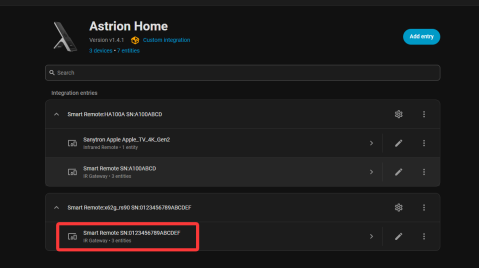
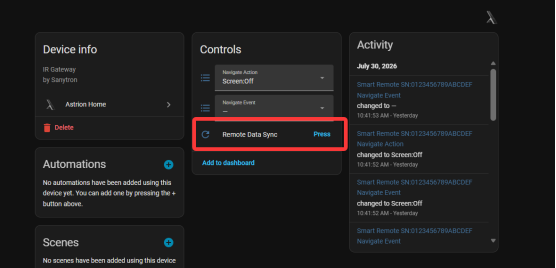
New Remote Data Refresh Button
A new Refresh Remote Data button has been added to the Home Assistant integration. You can now synchronize RosCard changes directly without using the previous pull-down refresh action. This makes updating cards faster and more intuitive.
Remote Button Event Reporting
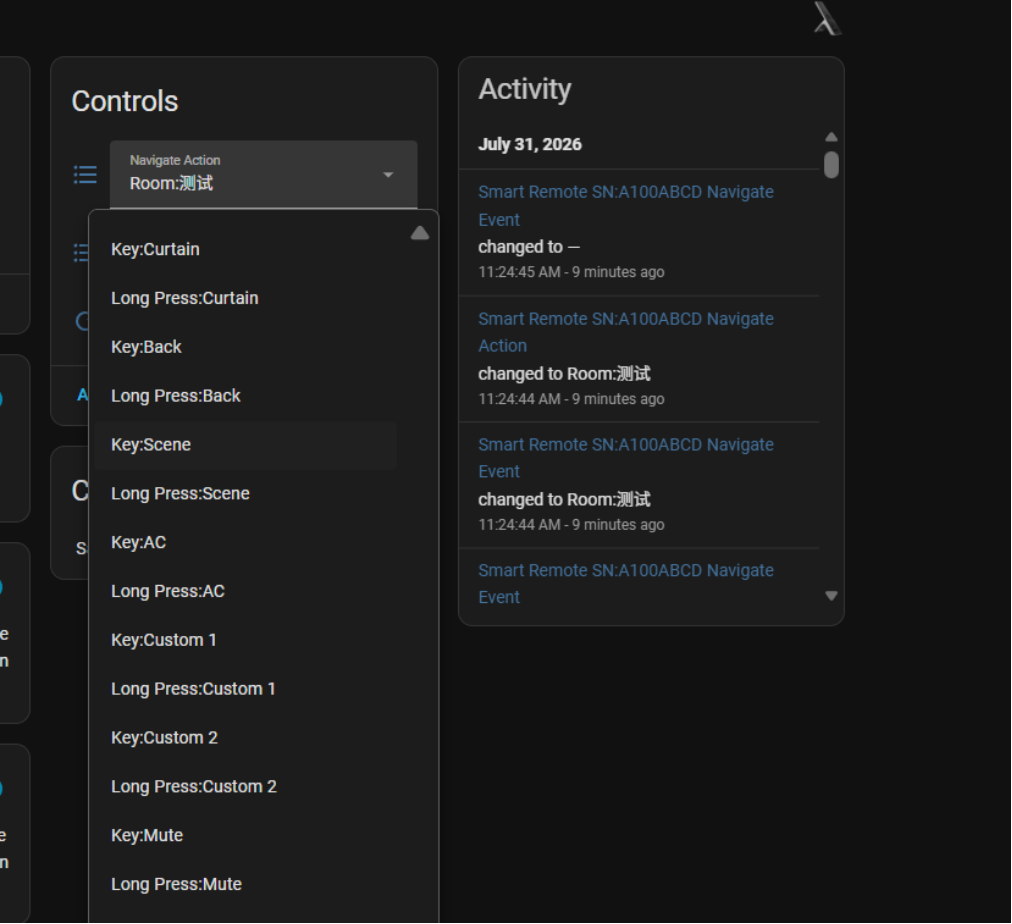
Astrion now reports hardware button events to Home Assistant. Developers and automation users can now create more advanced automations based on physical button presses.
🎨 User Interface
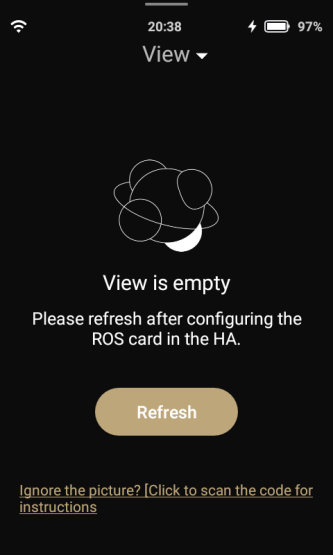
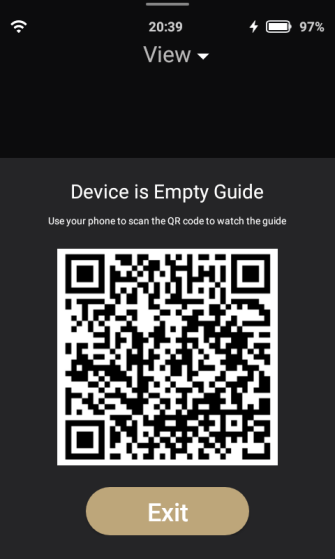
Improved Empty View Experience
The interface shown when a view contains no cards has been redesigned with clearer guidance and improved usability.
Better Device Status Display
The status presentation for supported devices has been improved. This includes:
- Lights
- Covers
- Switches
- Climate devices
Active devices are now displayed more clearly throughout the interface.
Bug Fixes
- ✅ Optimized Wi-Fi connection stability
- ✅ Various bug fixes and stability improvements
Known Issues
No known issues have been reported for this release. If you encounter any problems, please report them on the community forum.
How to Update
Astrion Remote (OTA)
- On your Astrion Remote, go to Settings → About
- Look for the Software Version section
- If an update is available, a red dot will appear next to the version number
- Tap the version number and follow the on-screen instructions
RosCard & Astrion Home (via HACS)
- Open HACS in Home Assistant
- Navigate to Frontend (for RosCard) or Integrations (for Astrion Home)
- Check for updates and click Download
- Refresh your browser and restart Home Assistant if prompted
📌 Need more help? View the full Update Guide for detailed instructions.
Related
Need help with the update?
Our support team and community are here to assist you.