UltraWorkspace Is Now Open
UltraBARX is no longer just a piece of hardware.
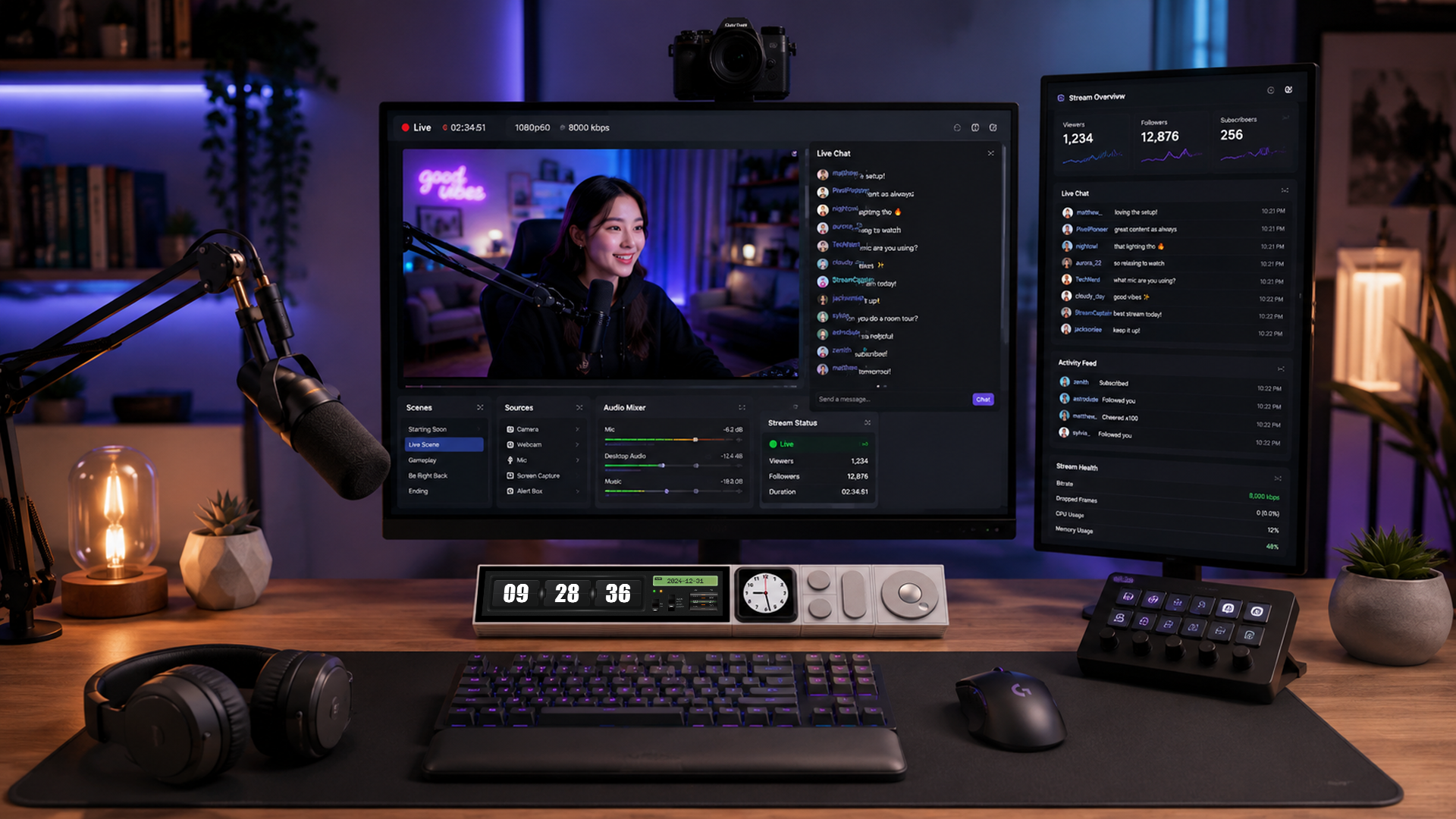
Today, we're officially releasing UltraWorkspace, the desktop software that connects your UltraBARX hardware with the workspace you actually want to create.
From a Product to a Workspace
UltraBARX was designed around a simple idea:
But an interface cannot evolve if everything about it is predetermined.
That's why UltraWorkspace is an important step for us.
UltraBARX gives you a physical command surface.
UltraWorkspace lets you decide what that surface becomes.
You can configure your CoreBAR display, create Profiles, assign actions to physical modules, work with QuantumLink™, and connect your workspace to systems such as Home Assistant, your PC, Sonos, and Spotify.
Different people can use the same hardware in completely different ways.
- A developer might build a workspace around VS Code, terminals, and Docker.
- A creator might configure Photoshop, Premiere, and Figma controls.
- A smart-home enthusiast might turn UltraBARX into a physical control surface for their home.
- An AI builder might use it as a command interface for agents, models, and automation.
And someone else may come up with something we've never considered.
That's exactly what we want.
We're Opening the Software
UltraWorkspace is now available on GitHub.
This isn't simply about making the source code visible.
It's about changing how UltraBARX evolves.
We don't want to design every workflow from the top down and then ask users to learn how we think.
Instead, we're giving the community a foundation to experiment with, share ideas, report problems, and suggest what should come next.
We don't know every workflow UltraBARX will eventually support.
And we don't think we should.
The people using it will show us.
Your Interface. Your Workflow.
This is also why the new UltraBARX Hub is structured differently.
The Hub isn't intended to be a documentation warehouse.
It's your home base for UltraBARX:
- Get started. Set up your UltraBARX.
- Shape your system. Combine modules your way.
- Connect your world. Integrate your tools.
- Keep it running. Troubleshoot and maintain.
- Share what you've discovered. Learn from the community.
And when you have an idea that goes beyond what's already there:
- Make it yours. Build, create, and extend.
A Few Notes Before You Start
UltraWorkspace is an evolving project, and this first release has some important considerations:
- Windows is currently the primary supported desktop platform.
- Use a data-capable USB-C cable when connecting CoreBAR to a PC.
- Make sure CoreBAR has adequate power, particularly when magnetic modules are attached.
- For USB-C PD operation, 30W or higher is recommended when using multiple modules.
- Follow the documented firmware update procedure carefully.
- Some features and workflows are still evolving.
If you encounter a problem, please let us know through the community or GitHub.
Early feedback isn't a distraction from development.
It's part of development.
Now We Want to See What You Do With It
This is where the project gets interesting.
Show us your UltraBARX.
Show us your workspace.
Show us a Profile you created.
Tell us what you wish it could do.
Share something you've built.
Or simply tell us:
Those ideas matter.
Because from this point forward, UltraBARX isn't something we're building for a community.
It's something we're building with one.
The hardware is yours.
The workspace is yours.
Let's see what comes next.
— SANYTRON