
Why we wrote this
At Sanytron, our work has always focused on one question: how should humans interact with increasingly intelligent spaces? From Home Assistant controllers to AI-powered interfaces, we believe the future of smart homes will not be defined by fewer interactions, but by better ones.
After exploring what comes after traditional universal remotes, we kept returning to one question: if AI is becoming the center of the smart home, why are experienced users still surrounding themselves with physical buttons?
The more we thought about it, the more we realized this wasn't really a question about remotes at all. It was a question about how people naturally interact with their homes.
So instead of talking about products, we wanted to explore why physical controls still feel surprisingly relevant in the age of AI.
Ten years ago, I was excited just to make my TV respond to Home Assistant. Back then, the Logitech Harmony was still the gold standard, and universal remotes felt like the peak of home automation. I'd spent an entire weekend learning IR codes, configuring a Broadlink, and building a few basic automations. When I pressed a button on my phone and the TV actually turned off, it felt like magic.
Now, I talk to my house. My lights follow circadian rhythms. My security system arms itself when I leave. By almost any measure, the smart home has arrived.
And yet, I still keep a physical remote on my coffee table. I still have a Hue Dimmer stuck to the wall next to my bed. I still reach for a real button when I want to pause a movie, and I suspect many of you do too. Every device in my living room is connected to Home Assistant — I could control everything from a screen. But when the doorbell rings mid-scene, I don't want to unlock a phone, open an app, and navigate to the right card. I want to press the button I've pressed a thousand times, without thinking, without looking, and get back to the film.
This isn't nostalgia. This is something much simpler that took me years to articulate: the best interface is the one you stop noticing entirely.
We Expected AI to Replace Buttons
For a long time, it felt inevitable. Voice assistants and AI would make physical controls obsolete. Why reach for a switch when the house knows what you need? Why grab a remote when you can just speak?
But spend a few days browsing Home Assistant forums or Reddit communities and you'll notice something that doesn't fit that narrative. People aren't removing physical controls — they're adding more. It's surprisingly common to see a Stream Deck sitting next to someone's keyboard. Lutron Pico remotes get hacked into every imaginable use case. Entire forum threads are devoted to the dark art of mapping a single button to a dozen different automations.
This puzzled me for a while. Weren't these the same people running the most sophisticated Home Assistant setups in the world? People who automate everything?
I used to think I'd eventually stop using physical remotes altogether. Once every device was integrated into Home Assistant, why would I need one? That conviction lasted about a week. I found myself walking over to the coffee table, picking up the remote, and pressing the button — even though my phone was right there in my pocket. It wasn't stubbornness. It just felt faster. More than once I've reached for my phone, only to realize unlocking it took longer than the action itself.
I think the reason physical buttons have survived isn't because they're old. It's because they're predictable. You know exactly where they are, exactly how they feel, and exactly what they'll do. Confidence in an interface matters more than we usually admit.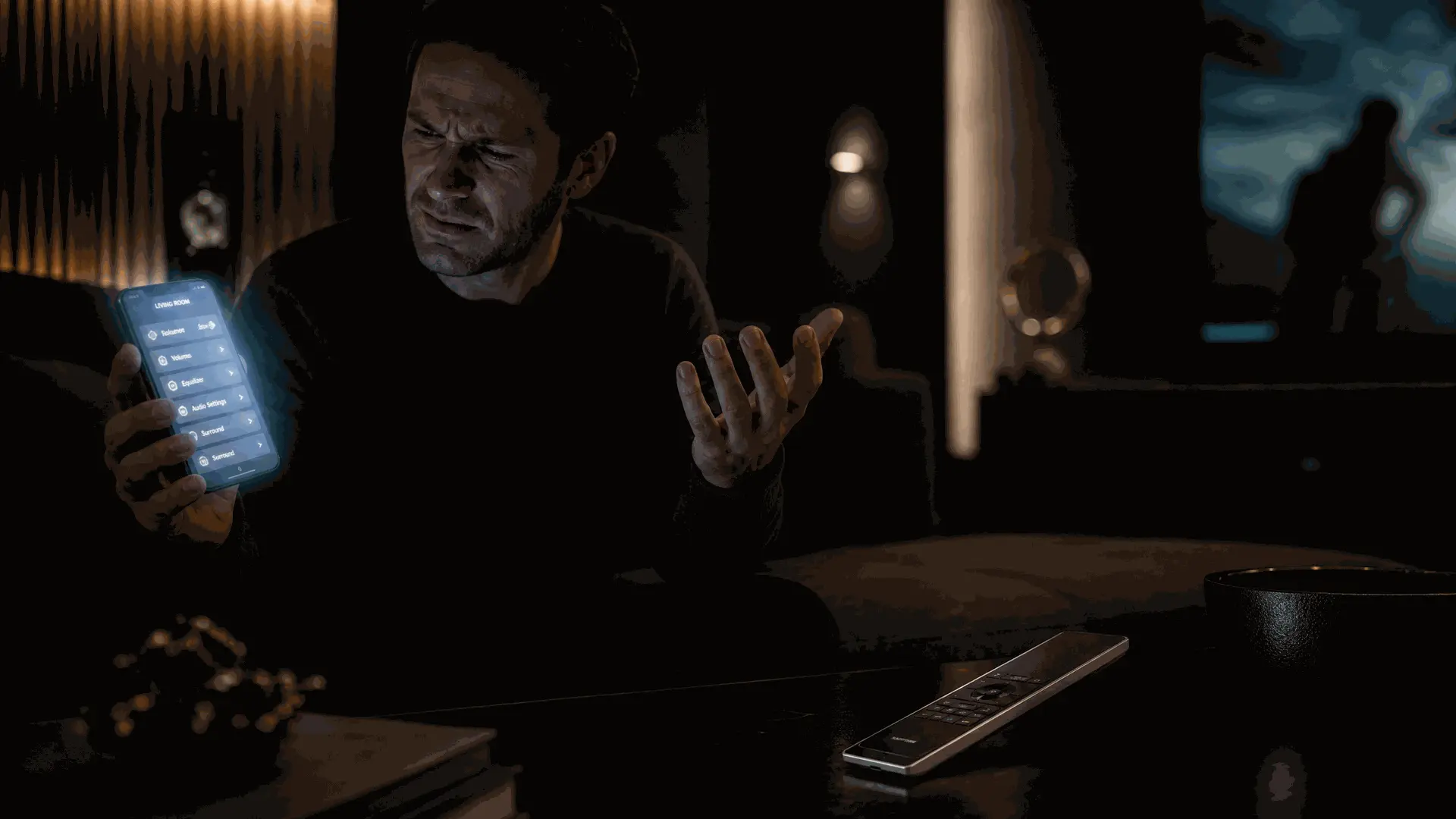
The Problem With Screens
Dashboards are still the best place to understand what's happening in your home. A quick glance tells me whether the garage door is open, which lights are on, and whether the kids left the heating running. That's genuine, irreplaceable value.
But when every small interaction requires waking a phone, opening an app, waiting for it to load, and tapping through cards, something gets lost. The friction is tiny — maybe two or three seconds — until you repeat it dozens of times a day. The real cost isn't the two seconds. It's the way it pulls you out of whatever you were doing. You were reading. You were cooking. You were watching a film. Now you're staring at a glowing rectangle, adjusting brightness.
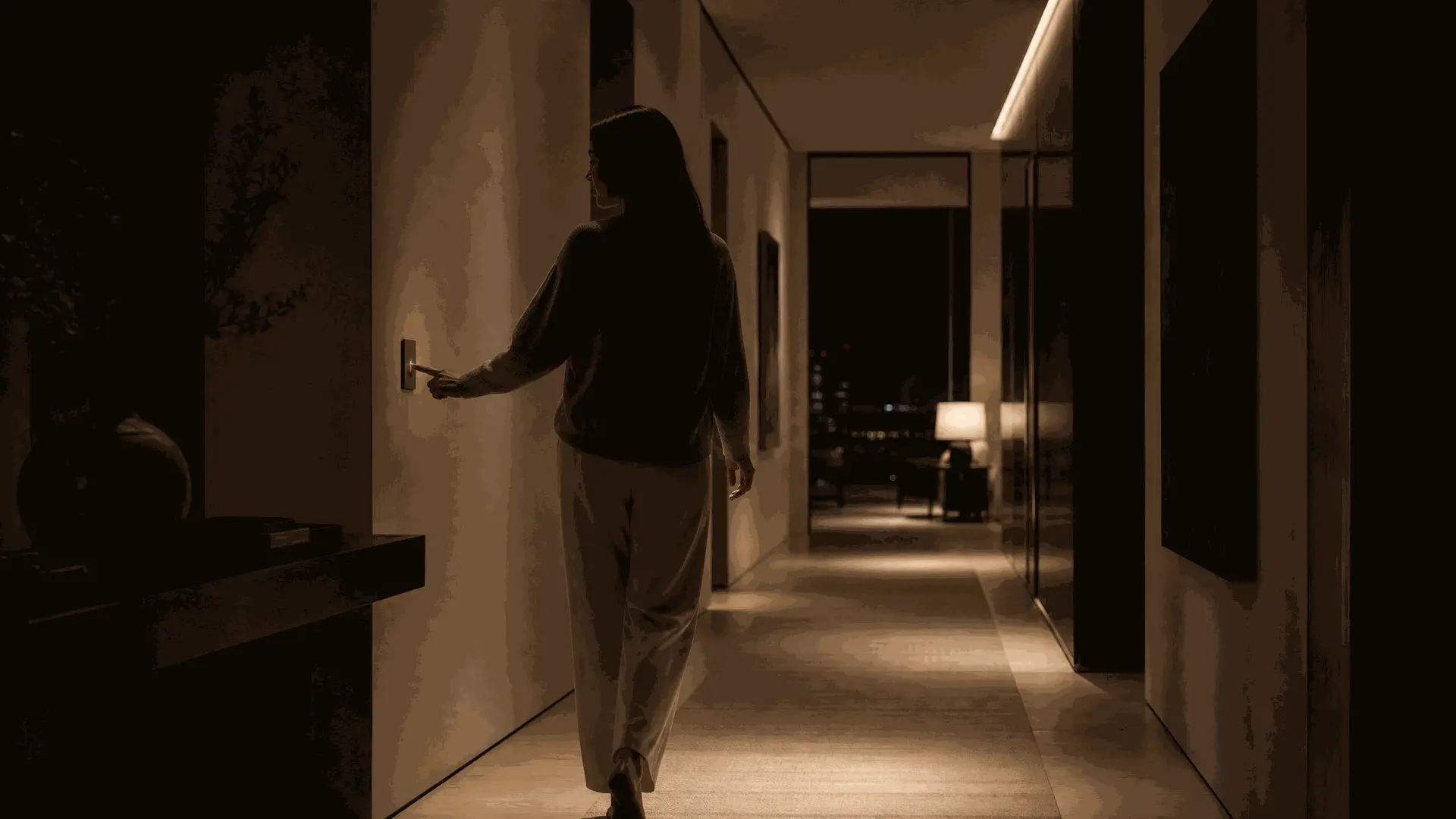
A button you can find in the dark, press without looking, and trust will do exactly what you expect — that's not low-tech nostalgia. That's something much harder to design than a dashboard.
Voice Isn't Replacing Everything Either
Voice assistants have improved dramatically. Home Assistant's voice pipelines, local LLMs, and the broader push toward conversational AI are genuinely exciting developments. I use voice every day.
But here's what I've noticed in practice: voice works brilliantly when your hands are full — cooking, carrying laundry, wrangling children. It falls apart when the baby is sleeping upstairs and you are whispering, when a tense scene is playing and you don't want to interrupt it, or when guests are over and shouting commands feels performative. It falls apart when music is playing loudly enough that the assistant can't hear you, or when you are simply too tired to form a clear sentence.
I don't think voice is replacing other interfaces anytime soon. It's not meant to. Voice is one tool among several, and the question worth asking isn't "which is best?" but "when does each one feel natural?"
When AI Changes What Buttons Do
Somewhere along the way, I realized I had stopped thinking about what each button did.
What mattered wasn't the label anymore. It was whether pressing it felt right in that moment.
Years ago, every button had a fixed destination. "Movie" always meant the same scene. "Goodnight" always turned off the same lights. It worked well because it was predictable.
But the more capable our homes became, the less those fixed mappings reflected real life.
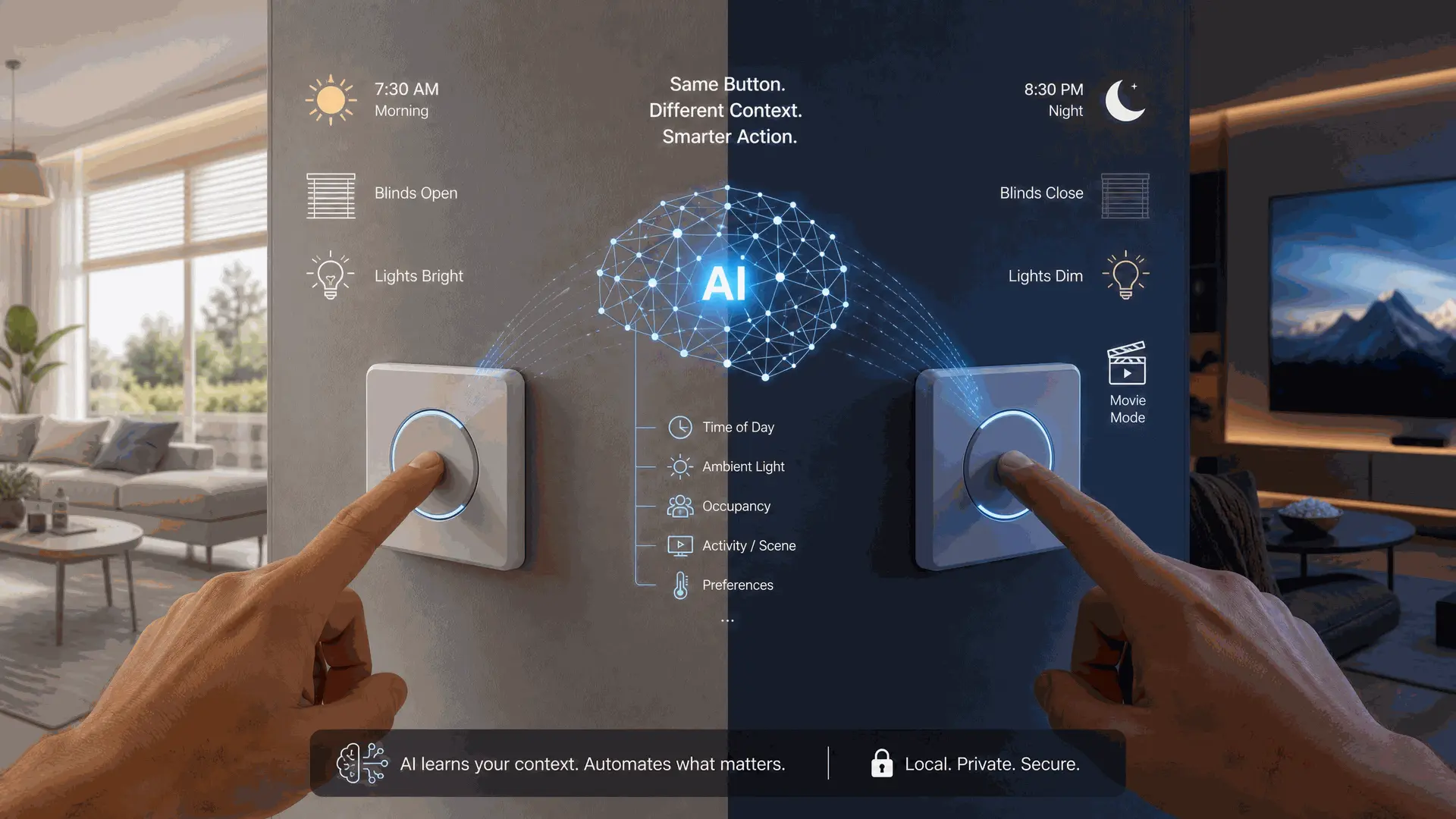
But what happens when AI understands context? The same physical button could dim the lights at night, open the blinds in the morning, and trigger Do Not Disturb during a video call. You press the same thing. The outcome changes based on time, location, what you're doing, and who else is home. The button stays the same. What changes is the system's understanding of why you pressed it.
This shifts physical controls from simple switches into something closer to intent triggers. You're not commanding "execute scene 3." You're expressing "I want to relax now." The AI interprets what that means in this specific moment, in this specific room, at this specific time of day.
One evening I caught myself reaching for the bedside button without even opening my eyes. I wasn't thinking about scenes or automations. I just wanted the lights off. That tiny moment convinced me that context matters more than the interface itself.
Different Tools, Different Moments
I've stopped looking for a single "best" interface, because I don't think one exists anymore.
Automation is fantastic when you don't want to think at all — lights that follow the sun, climate that adjusts to occupancy, security that arms itself when everyone leaves. These are the things that should happen invisibly, without any input from you.
Dashboards are still the best place to understand what's happening. When I want to check the whole house at once, nothing beats a well-designed Home Assistant dashboard. It's information, not control, and that's fine.
Voice works surprisingly well when your hands are busy or when the request is complex. "Set the thermostat to 68 and turn off every light except the hallway" is genuinely easier to say than to tap through multiple screens.
And physical buttons? They're for those tiny interactions that happen dozens of times every day. The two-second pause. The volume adjustment. The goodnight press as you walk upstairs without breaking stride. The light switch you tap on the way out the door.
The homes that feel most livable are the ones where you drift between these interfaces without even noticing which one you're using. The technology disappears. Only the action remains.
What This Means for Building Things
Somewhere along the way I realized this wasn't just changing how I use Home Assistant. It was quietly changing how we designed our own products.
Those ideas gradually found their way into our own design process. Over the months, we've gone through more redesigns of the Astrion Remote than I can count. The RosCard improved. The software became more capable. We experimented with different layouts, different interaction models, different ways of connecting to Home Assistant. AI is now opening possibilities that didn't exist when we started.
But one design decision survived every single revision: we never removed the physical buttons.
Not because we couldn't. A touchscreen can do everything a button can do, and more. Voice can handle commands a button could never express. But every time we considered removing a button, we asked ourselves a simple question: would this interaction become easier, or just newer?
In practice, physical buttons solve a very different problem from touchscreens or voice. They're immediate. They don't ask for your attention. You don't need to wake a display, find the right spot to tap, or think about how to phrase a command. Sometimes you simply know what you want to do, and a single press should be enough.
The hardware has evolved considerably. The software has evolved. AI will continue to evolve. But when I simply want to pause a movie, turn off the lights, or mute the TV, I still don't want to think about the interface. I just want to press a button.
The Role AI Should Play
Maybe that's the role AI should play in the smart home — not replacing the button, but deciding what the button should mean today. Not adding another layer of interaction, but making each interaction more meaningful.
The best smart home interface isn't the one with the most AI. It's the one that asks the least from the person using it. Sometimes that's a conversation with an assistant while you're cooking dinner. Sometimes it's a fully automated routine that runs without you lifting a finger. And sometimes, it's simply pressing a button that feels exactly right, in exactly the right place, at exactly the right moment.
The interesting question isn't whether physical controls still matter. Spend a day counting how many times you reach for a real button — a light switch, a remote, a volume knob — and you'll have your answer. The harder question is: what should happen when you press one?
In a world where AI understands context, a button isn't just a command anymore. It's a question. The technology doesn't need to be visible. It just needs to understand what you meant.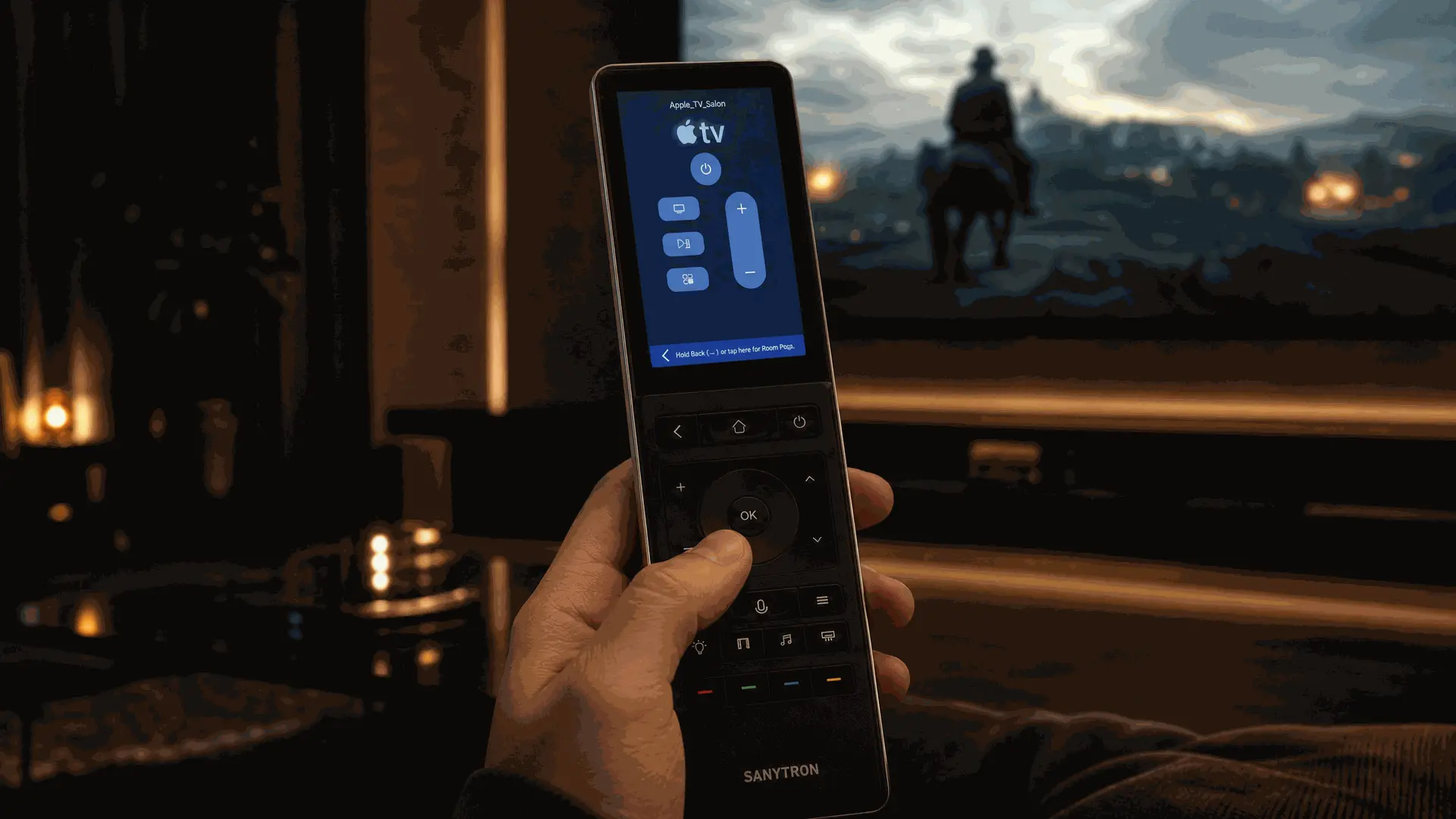
Why Physical Buttons Still Matter in AI Smart Homes